

How to Reduce the Size of a High-Quality Video
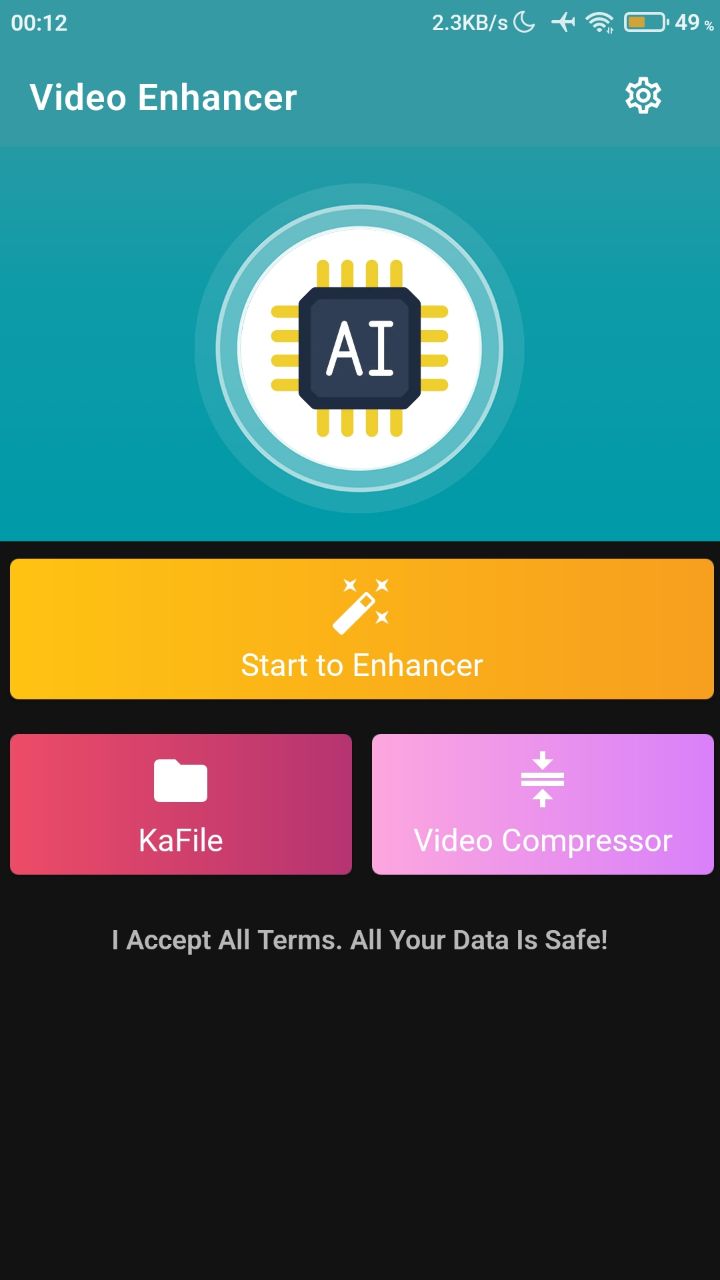
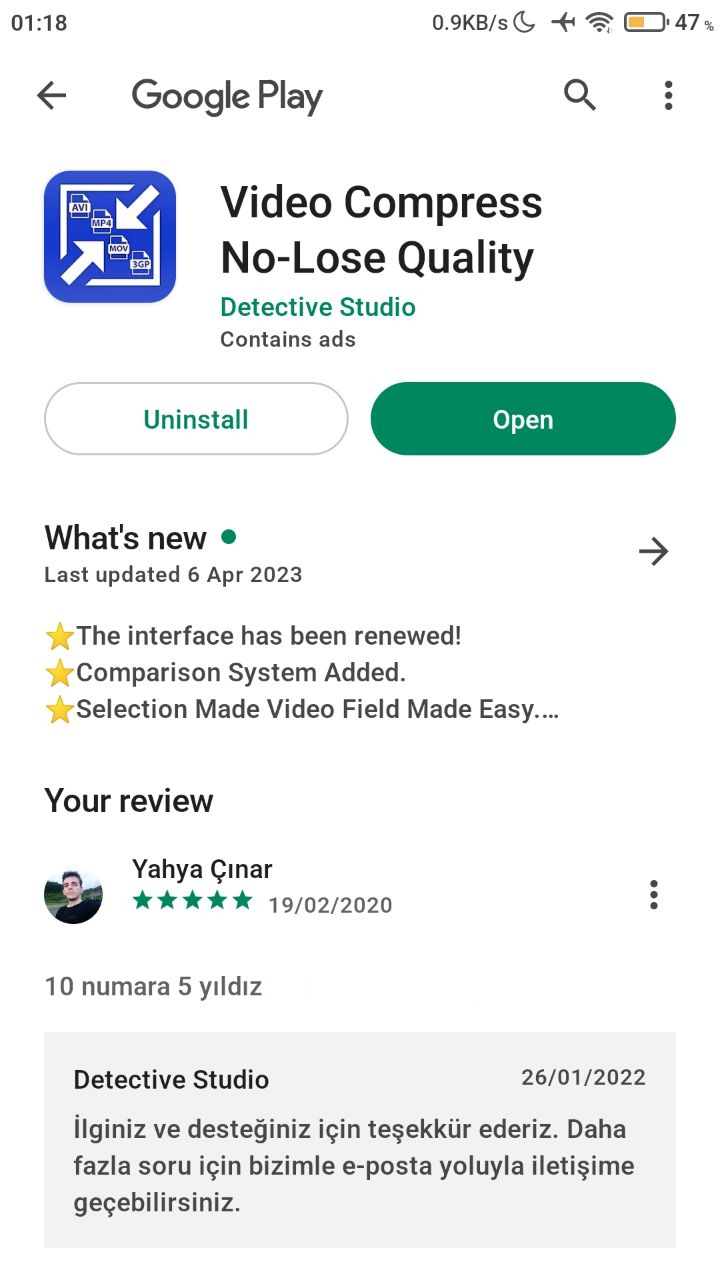
To shrink a video without lowering its quality, use our Video Compressor No-Lose Quality app, which you can open from within Video Quality Enhancer.
How to get the compressor
- Open the app and tap the Video Compressor button.
- Download the Video Compressor No-Lose Quality app from the Google Play Store.
Learn more
To learn how to reduce the size of a video without losing quality, read our guide: How to compress a video.
Was this article helpful?
Thanks for your feedback!
Sorry about that. Our team can help you directly.
Contact support