


How to Improve Video Quality with the Very High Option
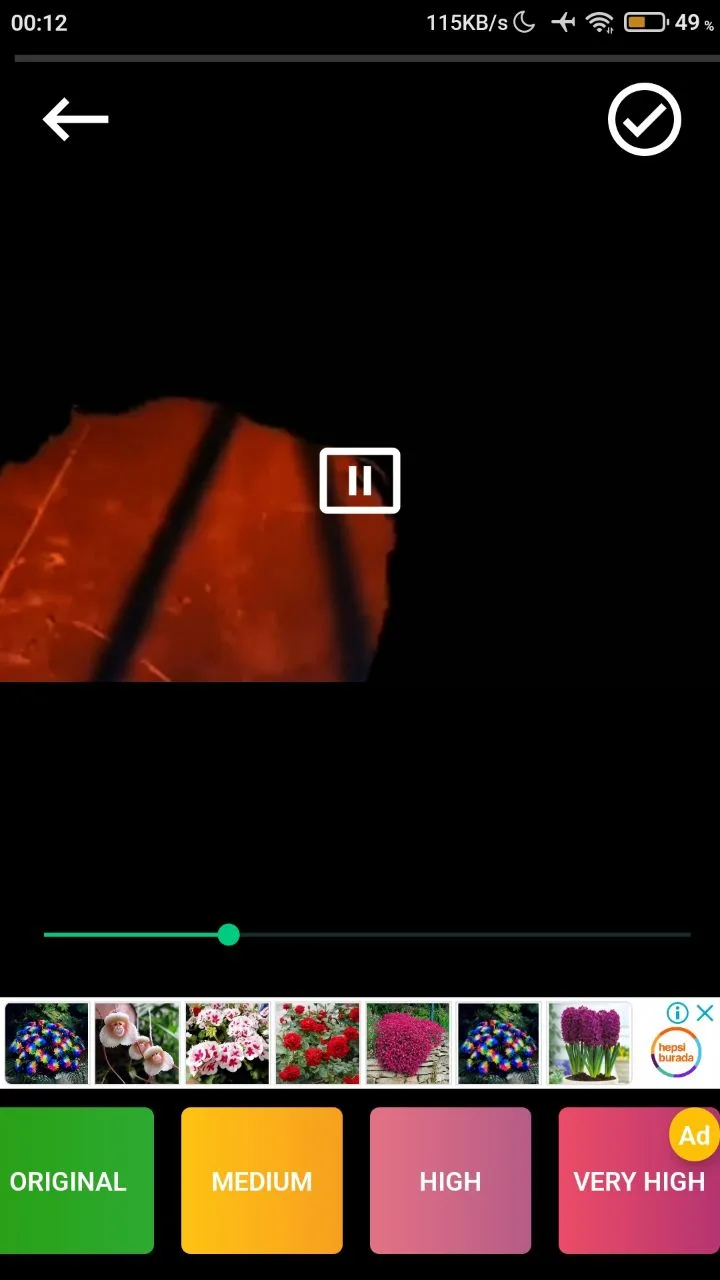
The Very High option gives you better quality than the other enhancement options. Select your video, choose Very High and confirm.
How to enhance a video with Very High quality
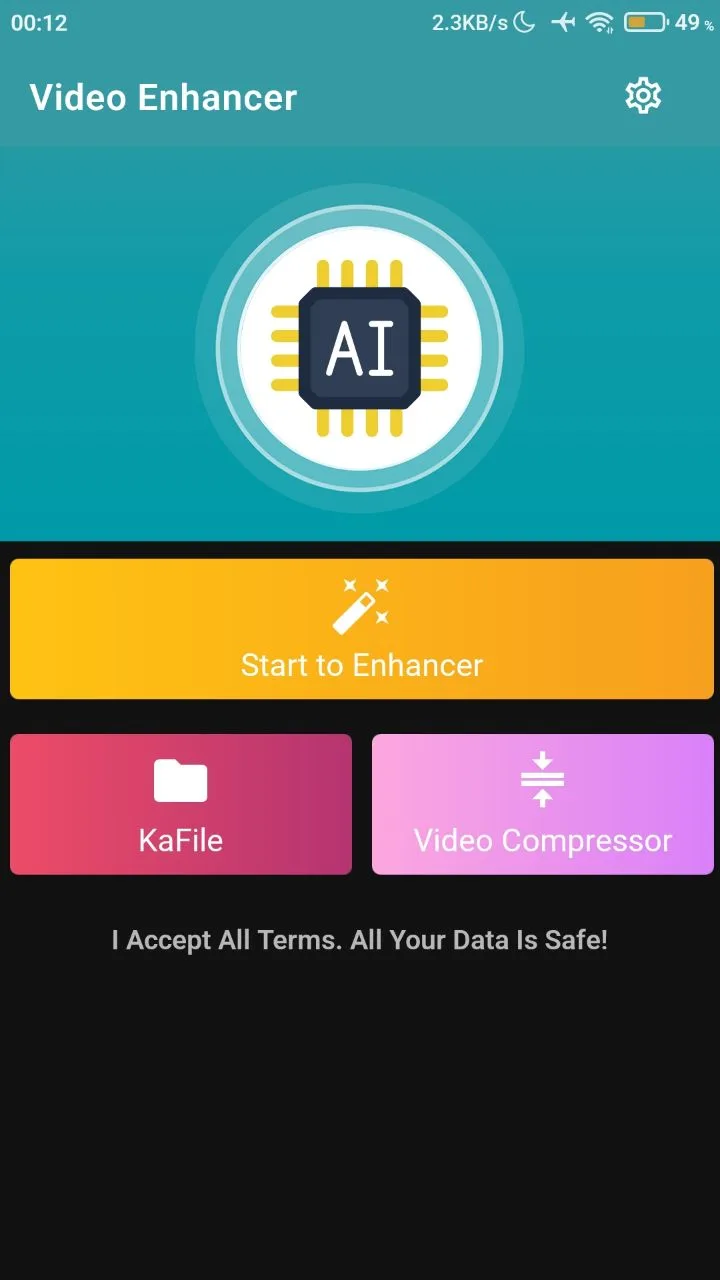
- Open the app and tap Start to Enhancer.
- On the screen that appears, select the video you want to improve.
- Tap Very High and confirm.
- Your video is upgraded by the high-quality AI and saved to your gallery.
To share the enhanced video, tap the share button in the top right.


Was this article helpful?
Thanks for your feedback!
Sorry about that. Our team can help you directly.
Contact support