


Where Are Enhanced Videos Saved?
Videos you enhance are saved in the Quality Video folder inside your device's Download folder. You can also view them in the app.
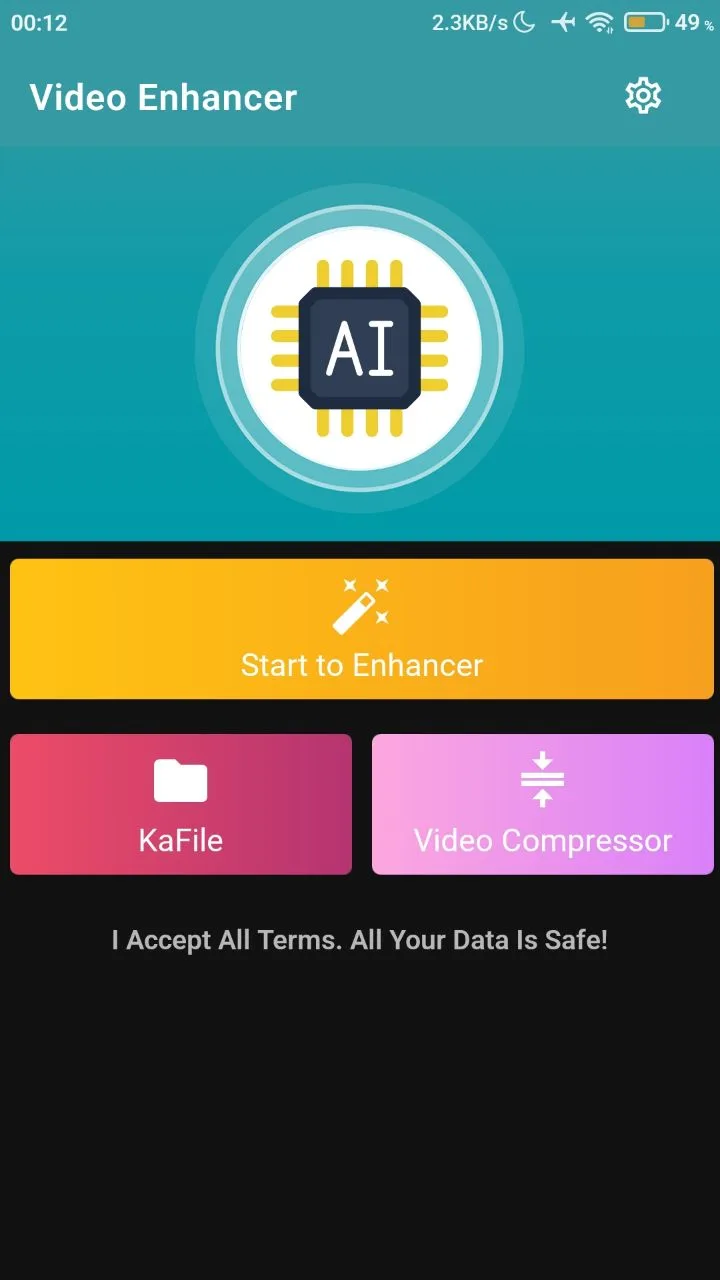
View enhanced videos in the app
- Open the app.
- Tap the KaFile button to see the videos you have enhanced.
Find them on your device
Open your device's Download folder, then the Quality Video folder.

Was this article helpful?
Thanks for your feedback!
Sorry about that. Our team can help you directly.
Contact support