

Video Not Showing in Video Quality Enhancer? How to Find It
If your video doesn't appear in the list, use the File button in the top-right corner to search for it on your device.
Find your video
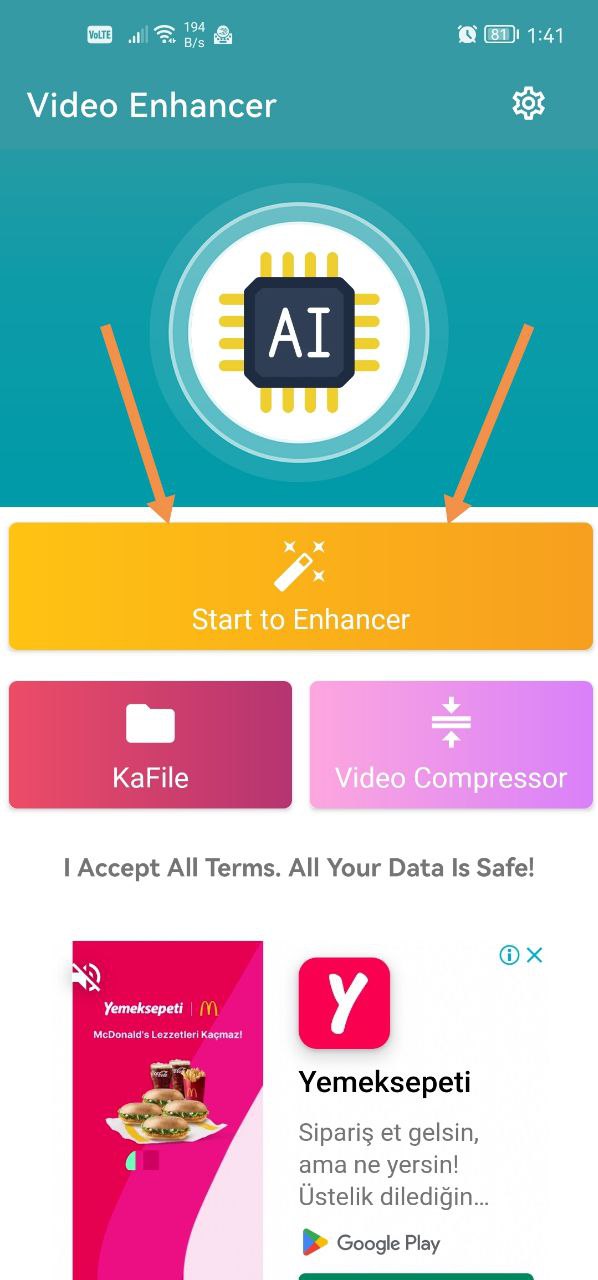
- On the app's main screen, tap Start to Enhancer.
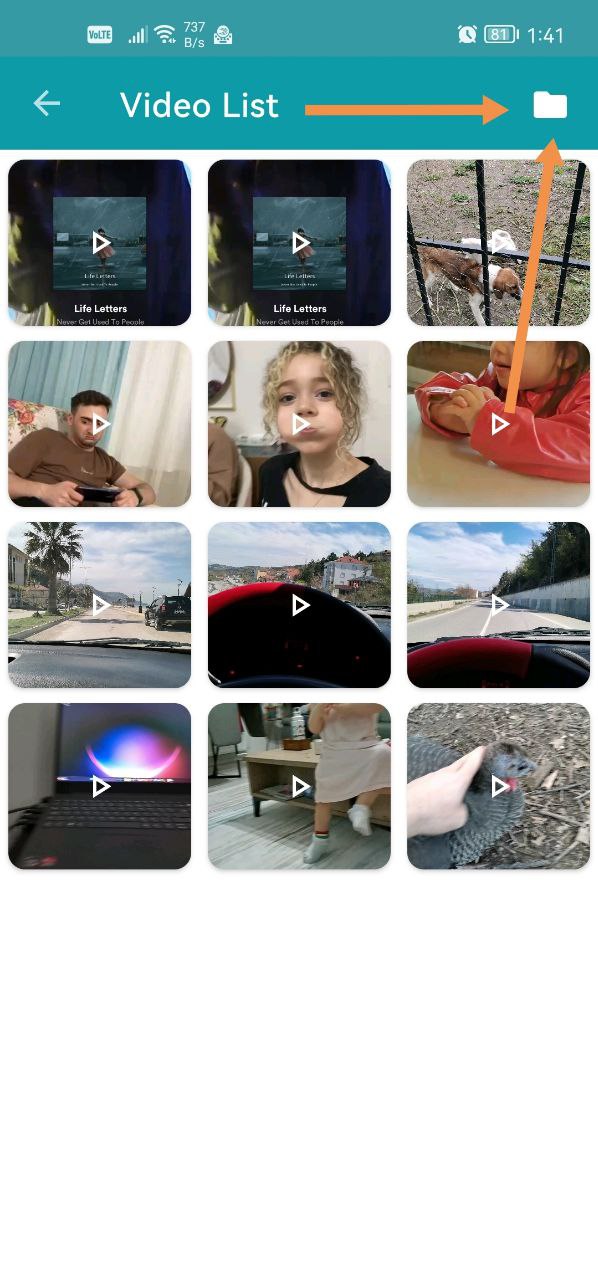
- If your video isn't on the screen that appears, tap the File button in the top-right corner.
- Browse your device and select the video.
Was this article helpful?
Thanks for your feedback!
Sorry about that. Our team can help you directly.
Contact support