

How to Improve Video Quality with Video Quality Enhancer
To improve a video's quality, select it in the app, choose an enhancement level and confirm. The enhanced video is saved to your gallery.
Enhance a video
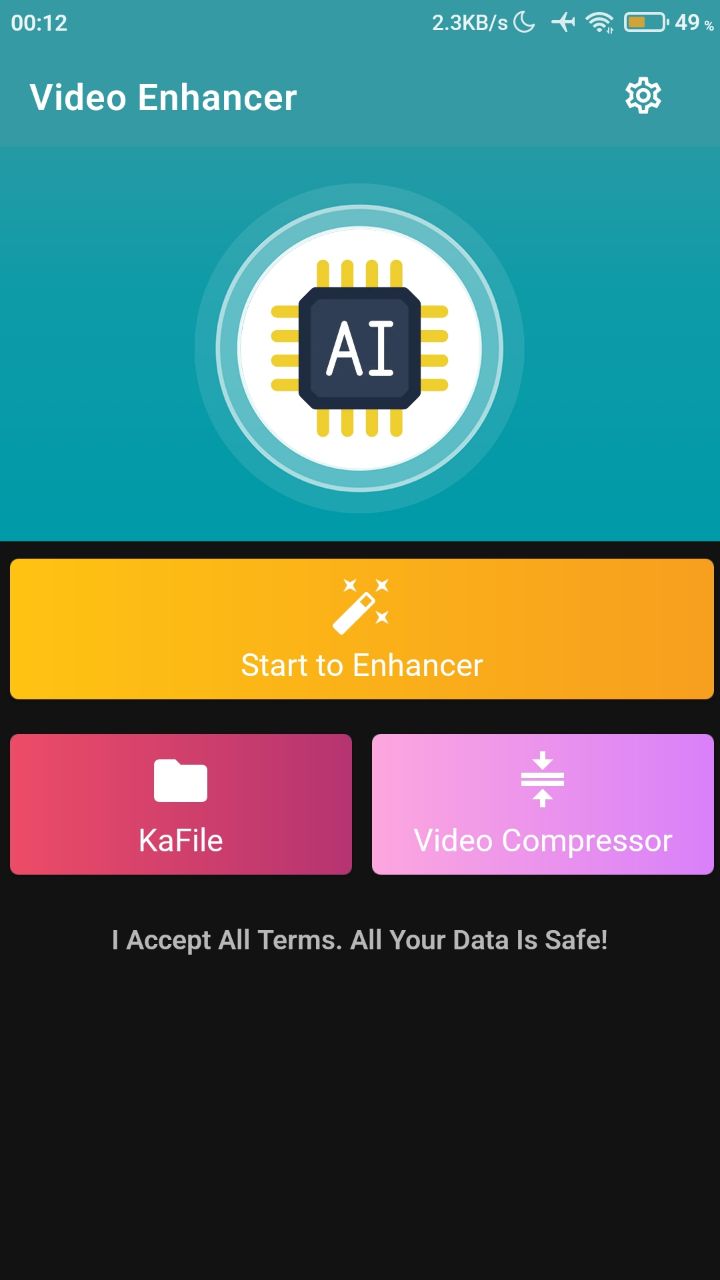
- Open the app and tap Start to Enhancer.
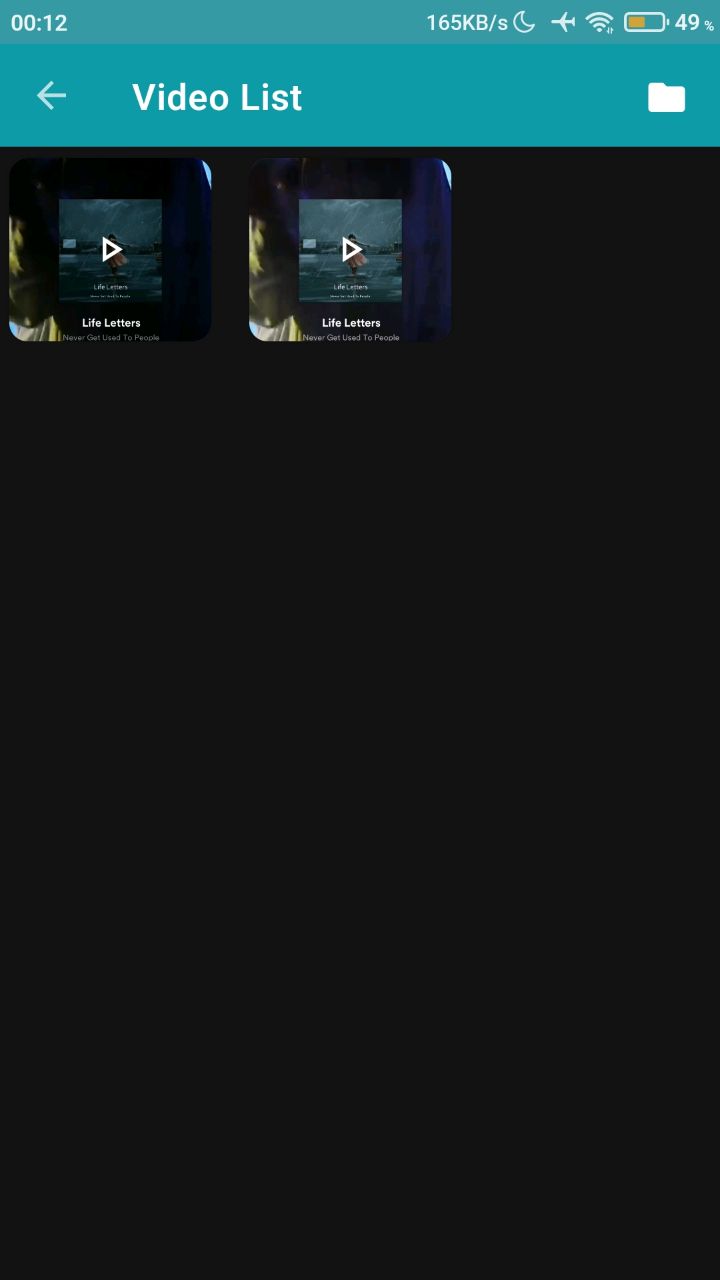
- Select the video you want to improve.
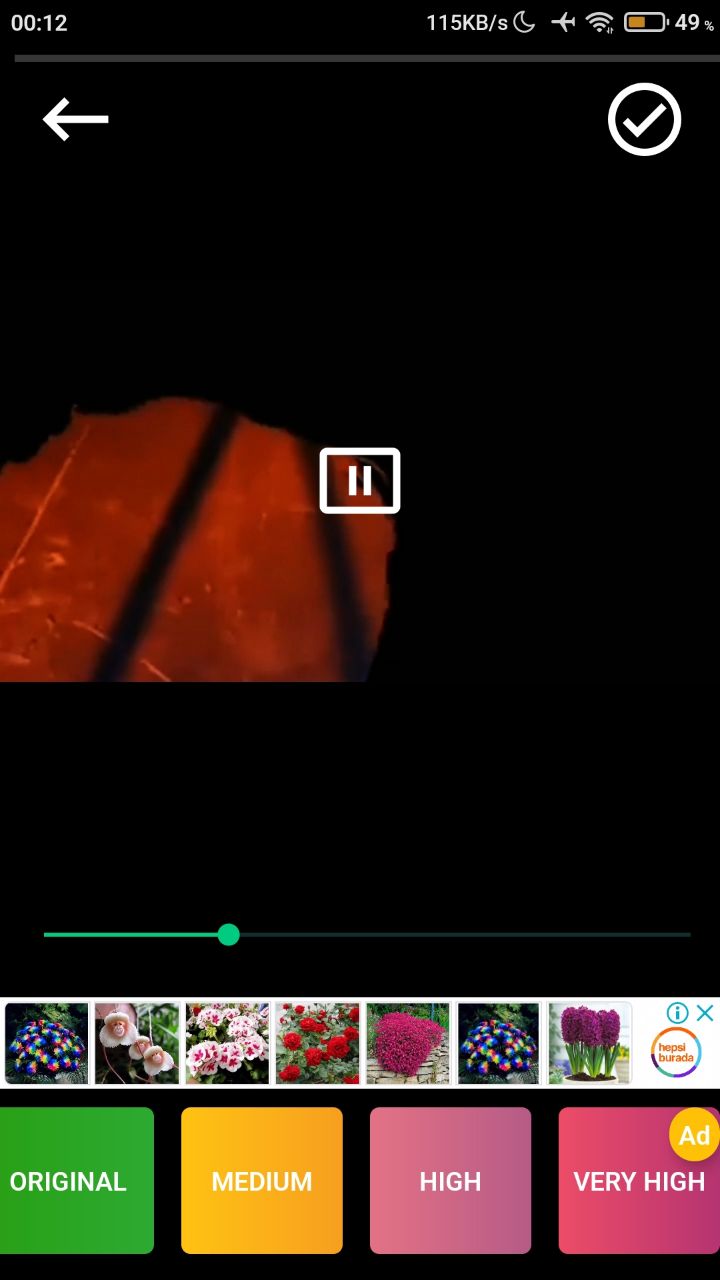
- Choose Medium, High or Very High.
- Confirm.
The video is saved to your gallery with improved quality. To share it, tap the share button in the top-right corner.

Was this article helpful?
Thanks for your feedback!
Sorry about that. Our team can help you directly.
Contact support