

How to Open Developer Options on Android
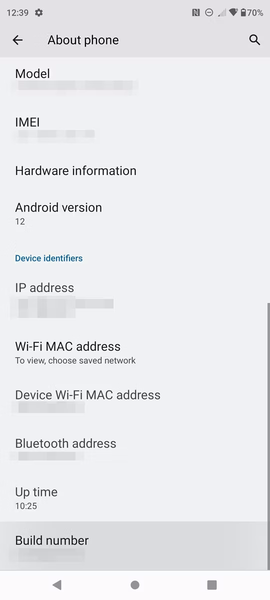
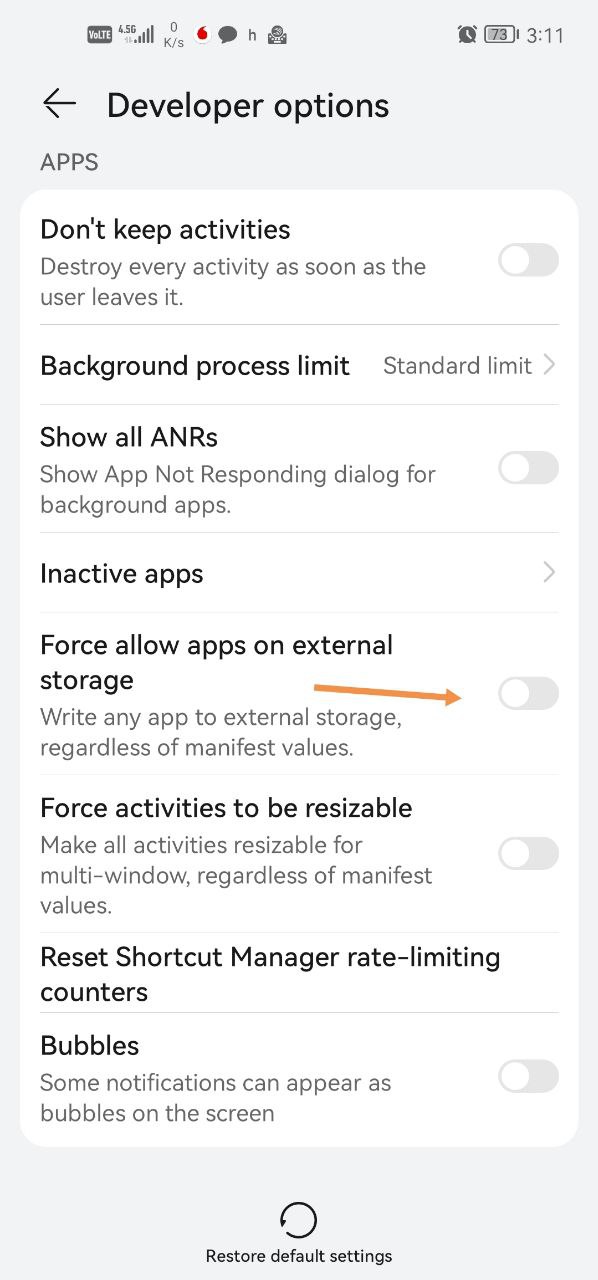
Open Developer Options by tapping the build number in About phone. There you can turn on Force allow apps on external storage to make the option to move apps to the SD card appear.
How to open Developer Options
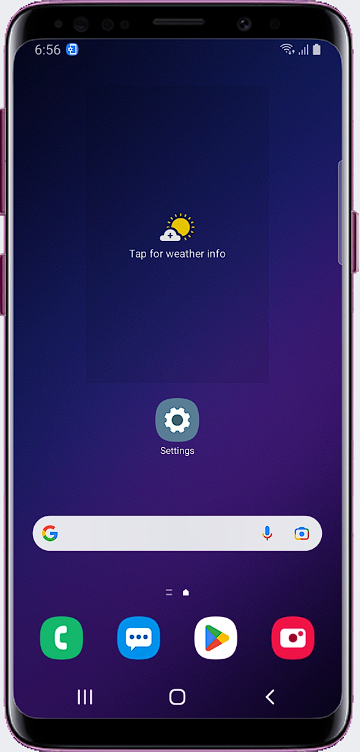
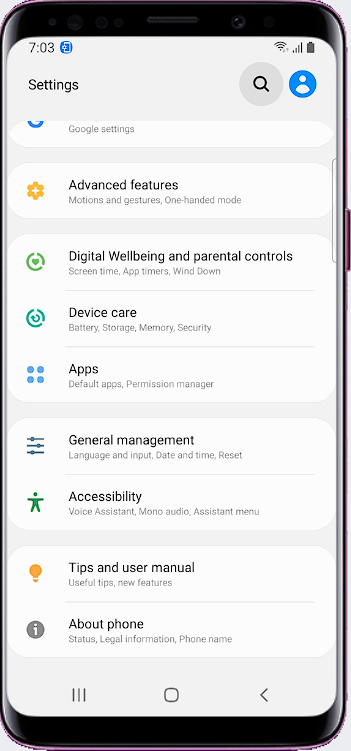
- Go to Settings > About phone.
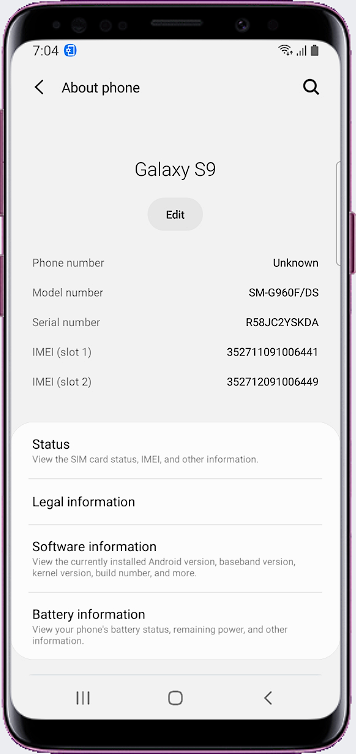
- In the Software information section, quickly tap Build number 4 times. Developer Options will open.
Menu names can differ slightly by phone brand and Android version.
Allow apps on external storage
- Open Developer Options.
- Turn on Force allow apps on external storage.
Was this article helpful?
Thanks for your feedback!
Sorry about that. Our team can help you directly.
Contact support