

How to Move Apps to an SD Card on Android 11
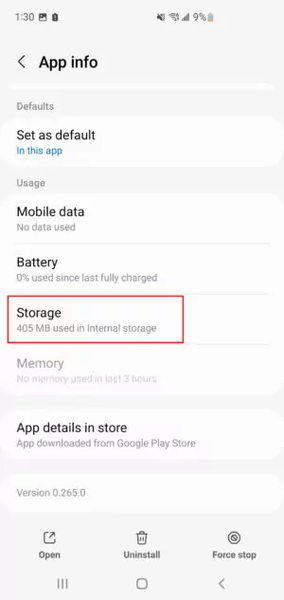
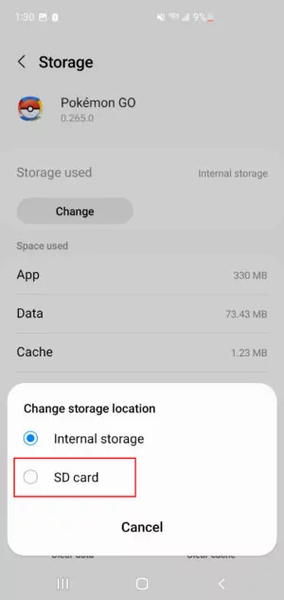
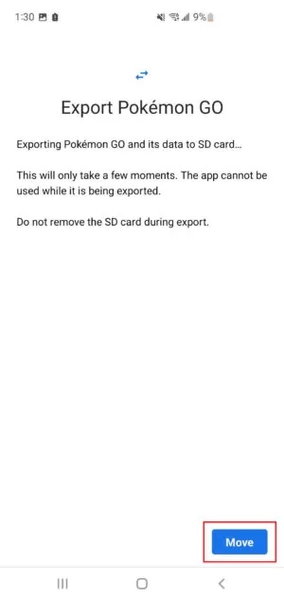
On Android 11, open the app in Settings, tap Storage, then tap Change to move it to the SD card.
Move an app to the SD card
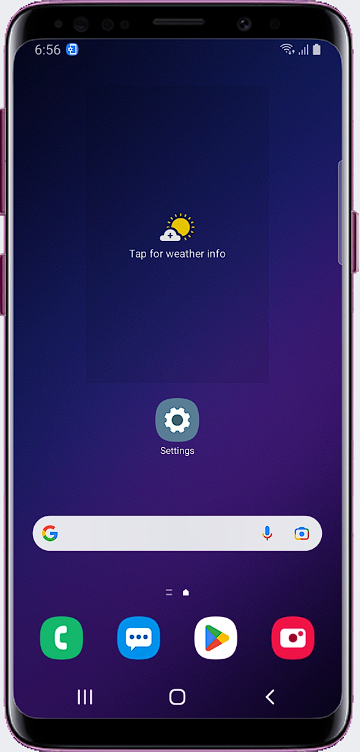
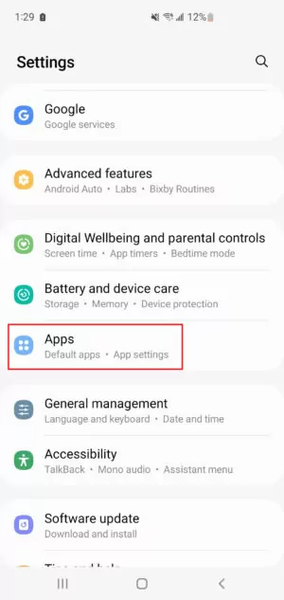
- Open Settings and go to the Apps section.
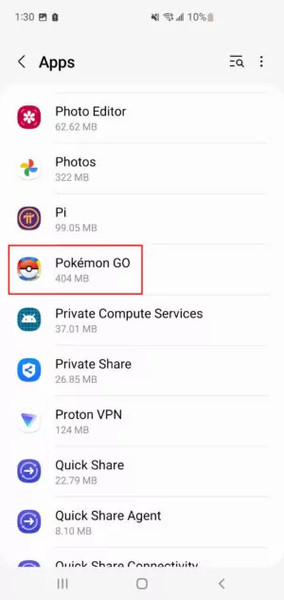
- Select the app you want to move.
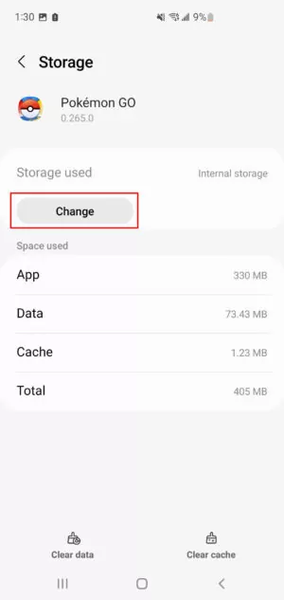
- Tap Storage.
- Tap Change.
If you don't see the Change button
See this guide instead: How to move apps to the SD card.
Menu names can differ slightly by phone brand and Android version.
Was this article helpful?
Thanks for your feedback!
Sorry about that. Our team can help you directly.
Contact support