

How to Clean Unwanted Files with APPtoSD
APPtoSD's Clean Storage feature removes unnecessary files from your phone, helping it run faster.
Steps
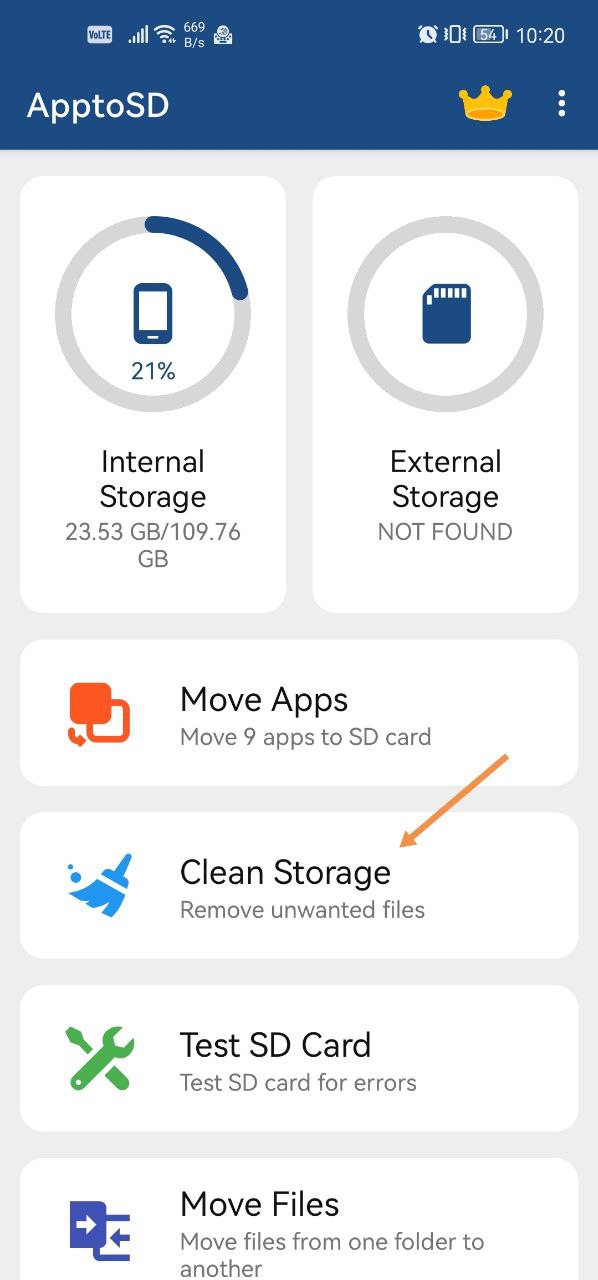
- Open the APPtoSD app and tap Clean Storage.
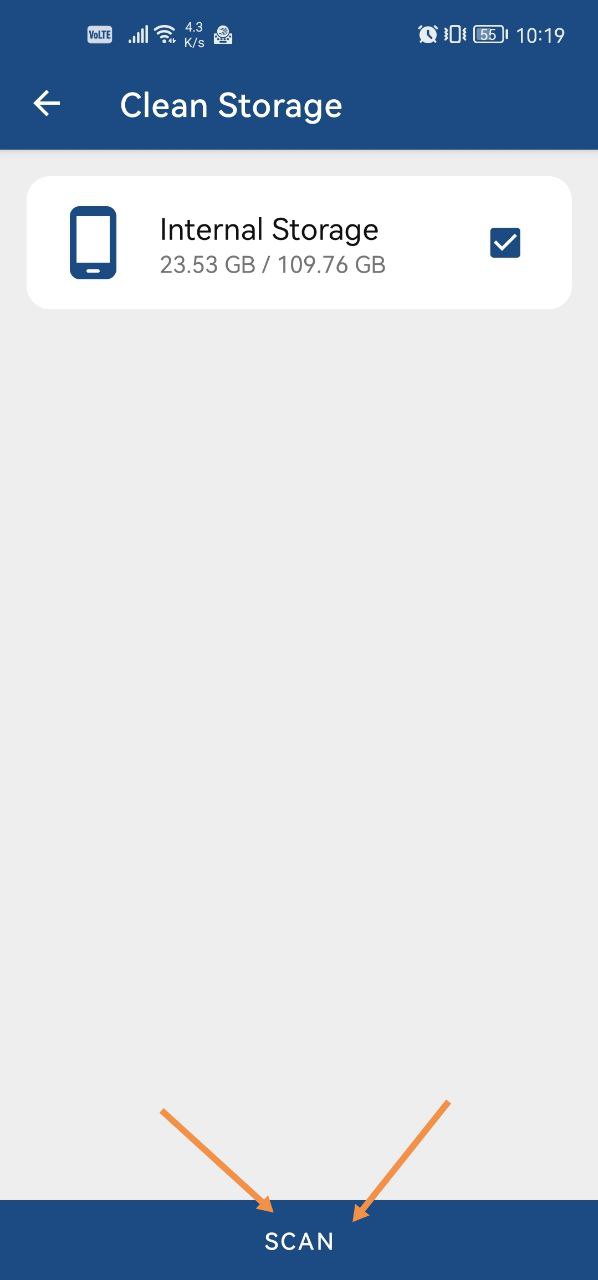
- On the page that appears, select the SD card or the phone's memory.
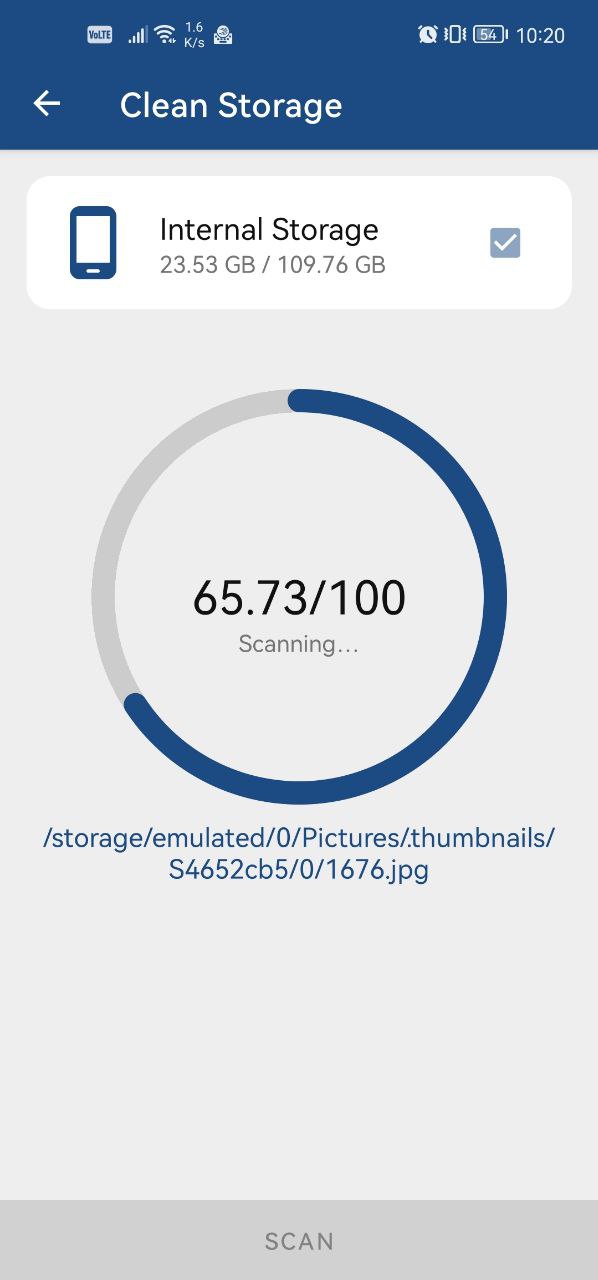
- Tap Scan.
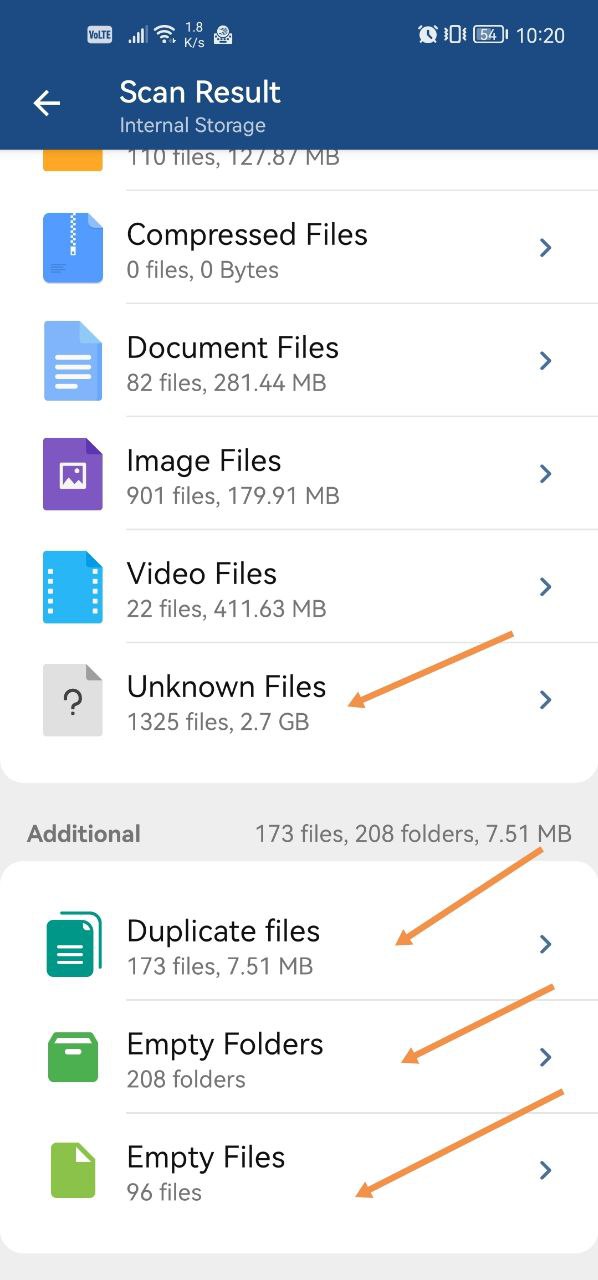
- Choose what to remove from the scan results, as shown in the screenshots, and tap Clean.
Was this article helpful?
Thanks for your feedback!
Sorry about that. Our team can help you directly.
Contact support