

Let ApptoSD Run in the Background on Samsung Phones
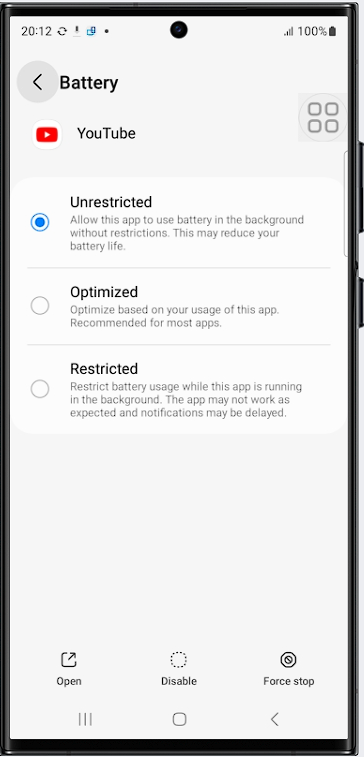
To let ApptoSD run in the background on a Samsung device, set its battery usage to Unrestricted. This allows the app to use battery in the background without restriction.
Set battery usage to Unrestricted
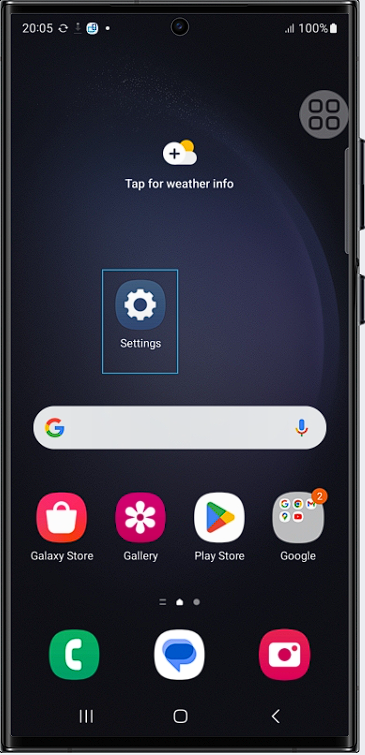
- Open your phone's Settings.
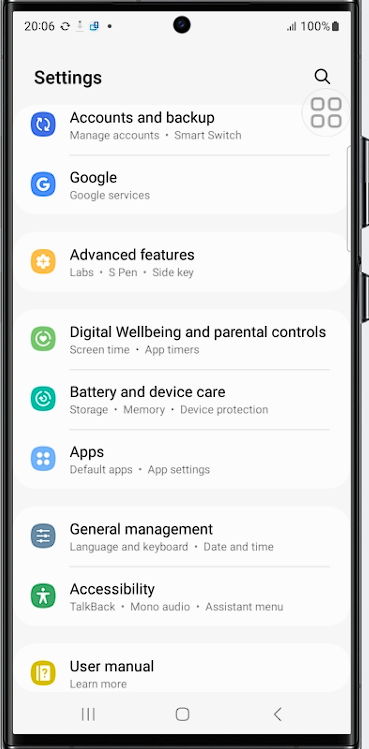
- Go to Apps.
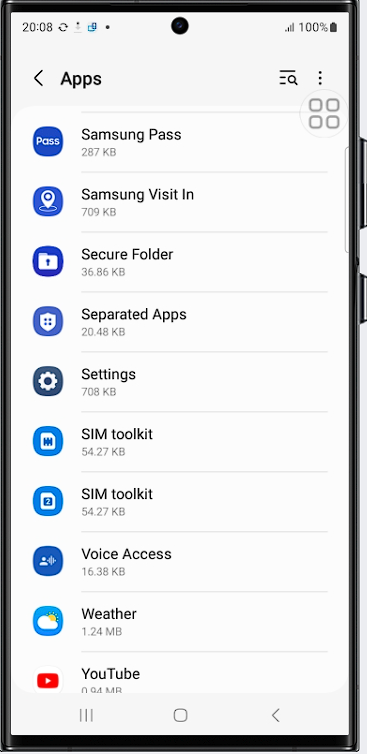
- Find ApptoSD in the app list and tap it.
- Tap Battery.
- Select Unrestricted.
After this change, the app will run smoothly in the background.
Menu names can differ slightly depending on your One UI and Android version.
Was this article helpful?
Thanks for your feedback!
Sorry about that. Our team can help you directly.
Contact support