

How to Open Scanned Links Automatically in QR Code
You can make the app open links automatically after scanning by turning on one option in the settings.
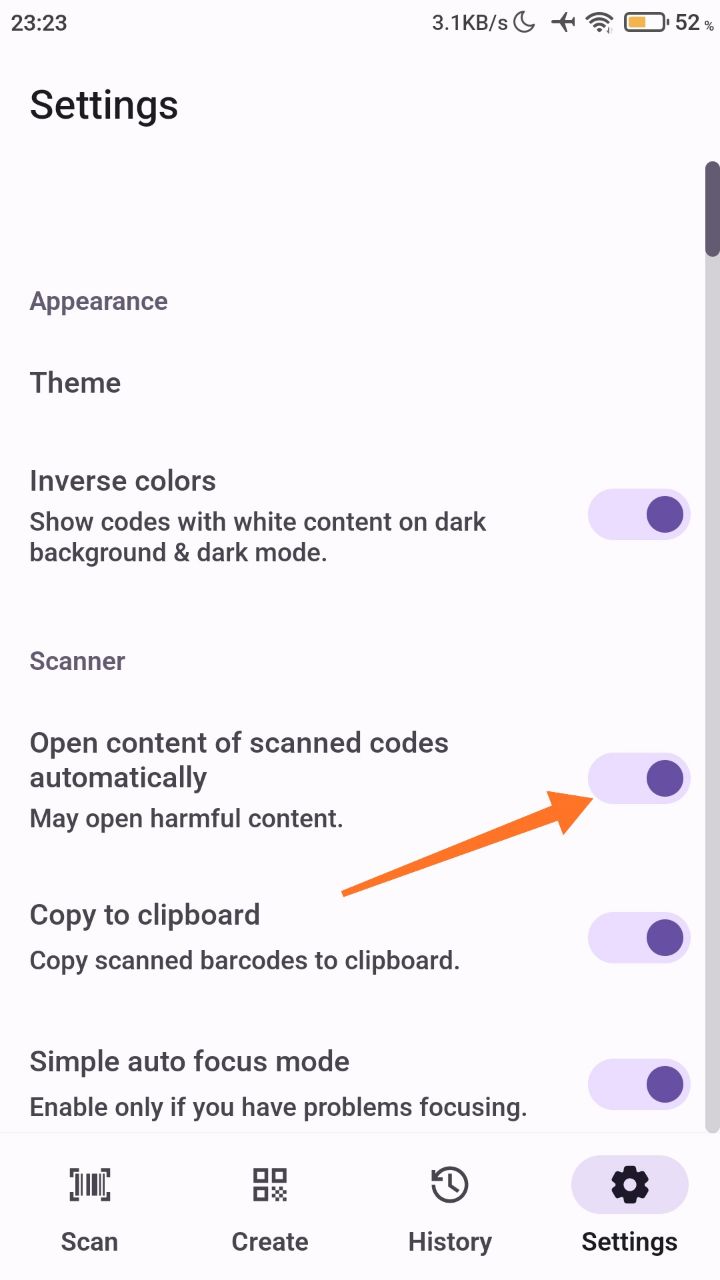
Turn on automatic link opening
- Open the app and go to Settings.
- Turn on Open content of scanned codes automatically.
Links will now open automatically after scanning.
Was this article helpful?
Thanks for your feedback!
Sorry about that. Our team can help you directly.
Contact support