

How to Create 1D and 2D Barcodes
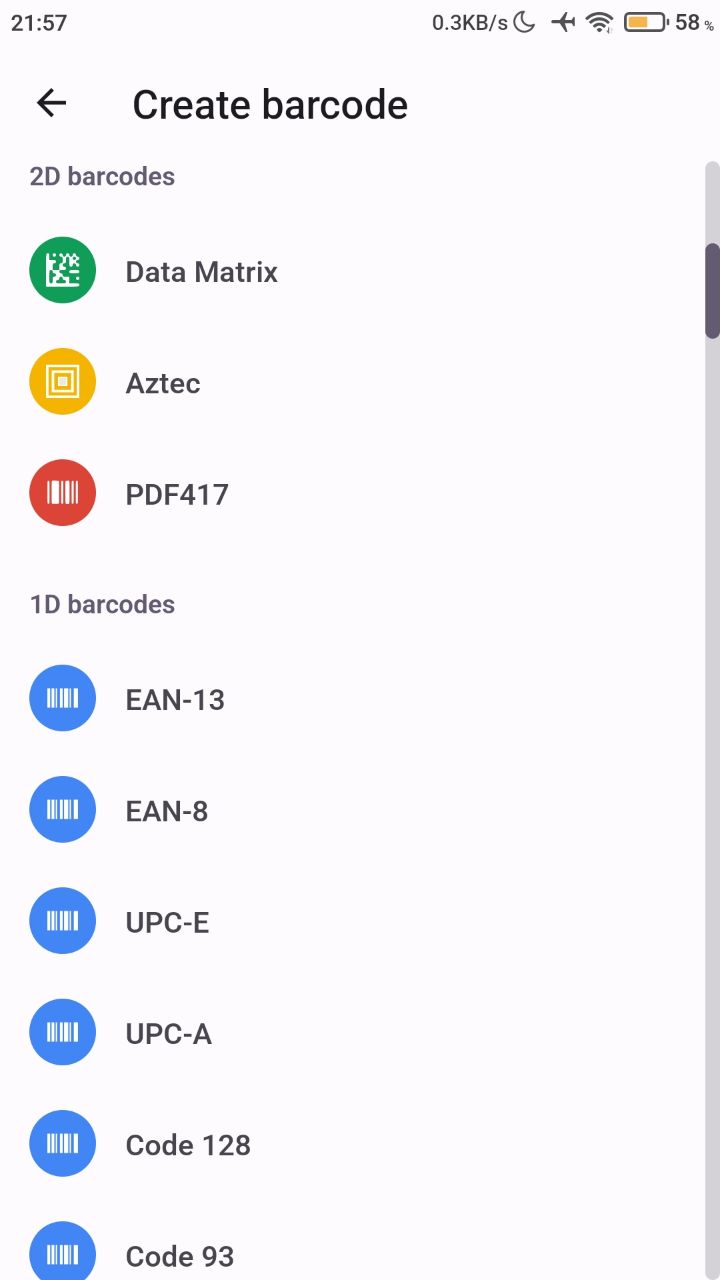
You can create a wide variety of 1D and 2D barcodes from the Create tab of the QrCode and Barcode Scanner app.
Steps
- Open QrCode and Barcode Scanner.
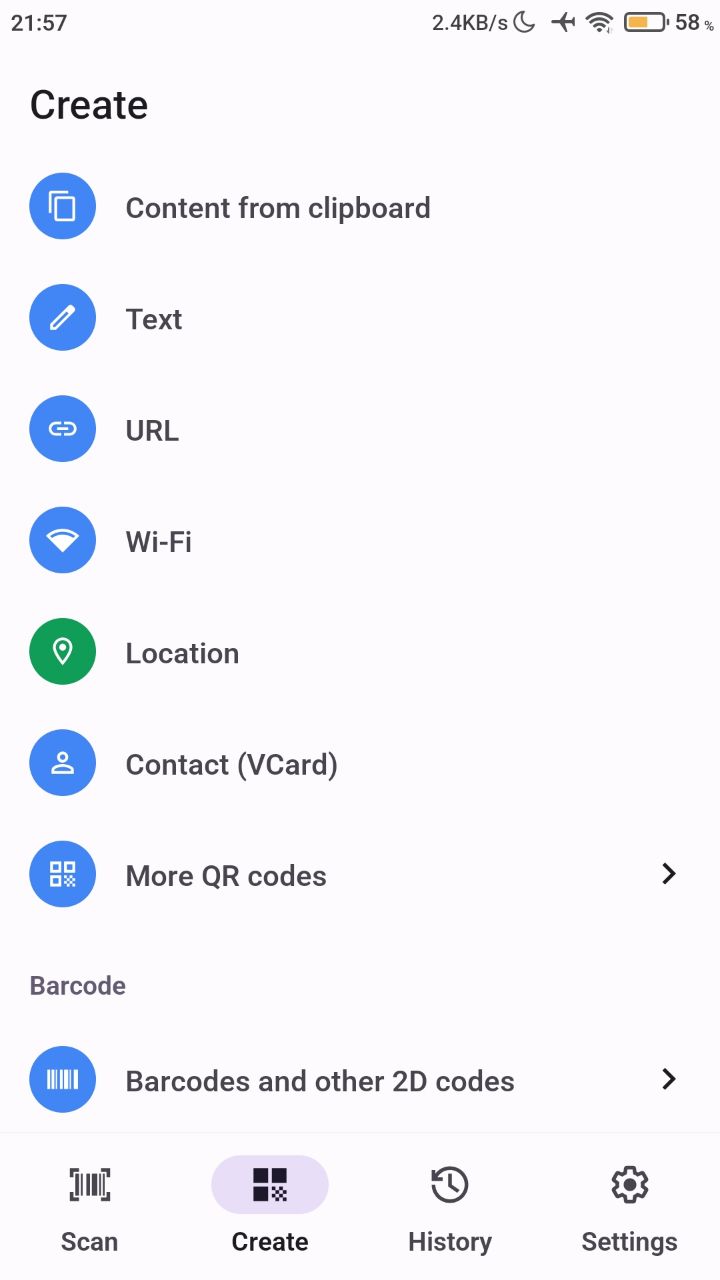
- Tap the Create tab.
- Scroll to the barcode create section at the bottom and choose the 1D or 2D barcode type you need.
Was this article helpful?
Thanks for your feedback!
Sorry about that. Our team can help you directly.
Contact support