

How to Download Brochures to Your Phone in Aktüelim
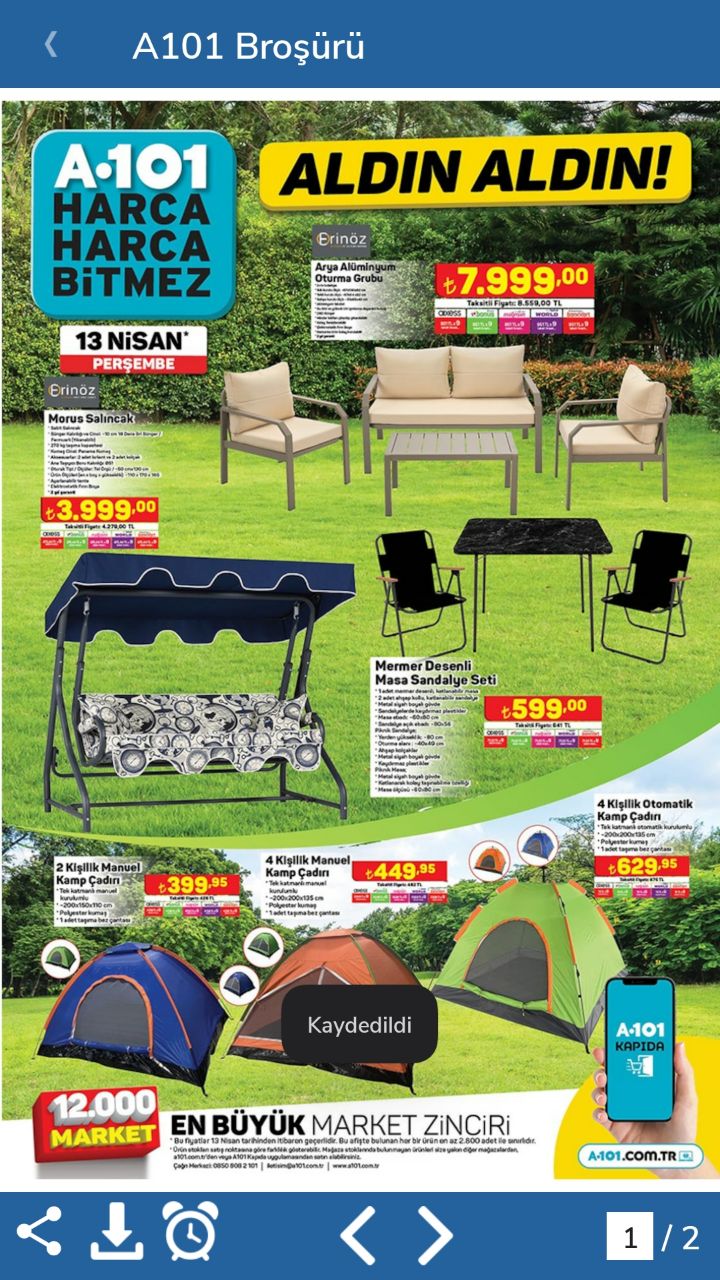
Saving an Aktüelim brochure to your phone's gallery is easy: open the brochure and tap the download button in the bottom left.
How to download a brochure
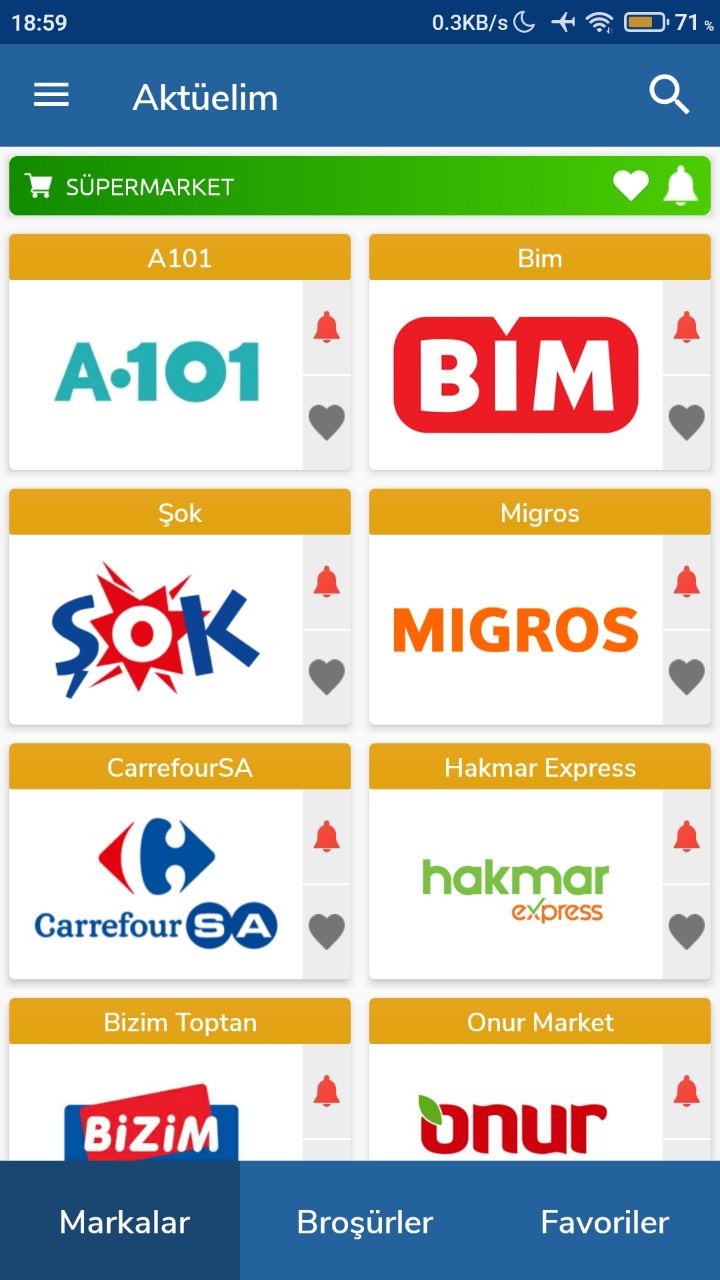
- Open the Aktüelim app.
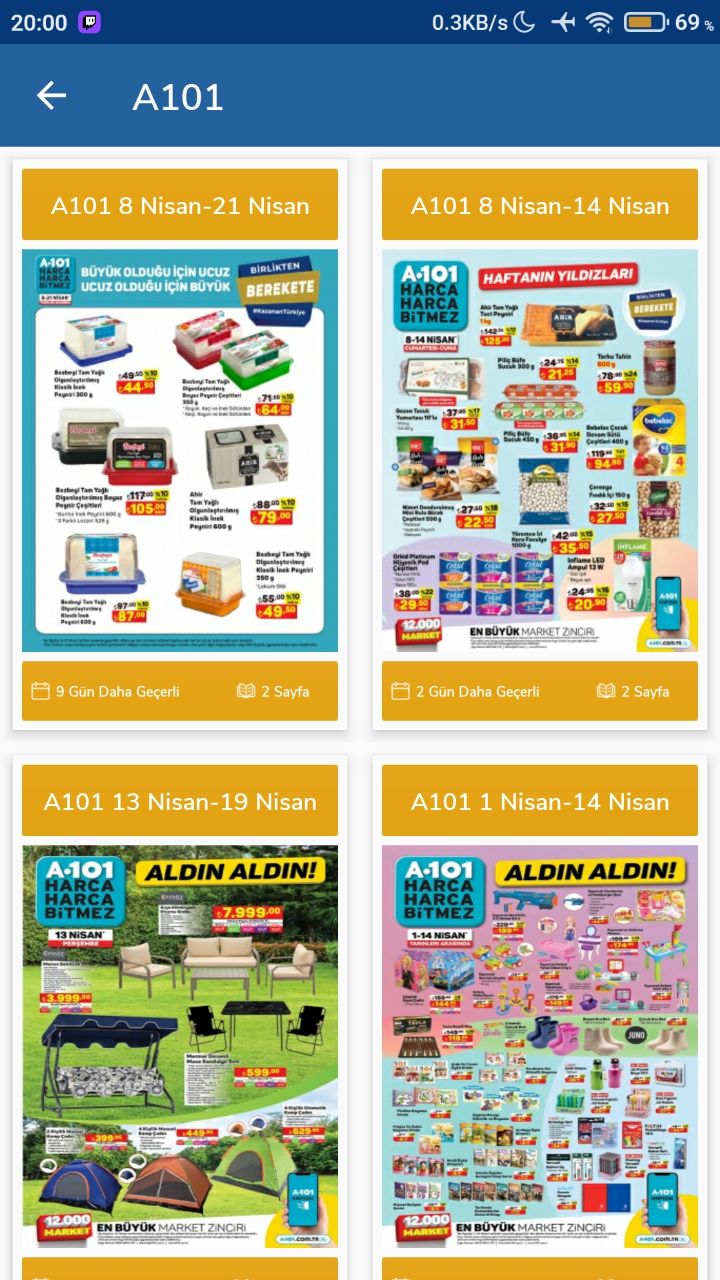
- Open the brochure you want to download.
- Tap the download button in the bottom left corner. The brochure is saved to your phone.
Was this article helpful?
Thanks for your feedback!
Sorry about that. Our team can help you directly.
Contact support