

How to Change the Start Screen in Aktüelim
You can choose which screen Aktüelim opens with from the app settings.
How to change the start screen
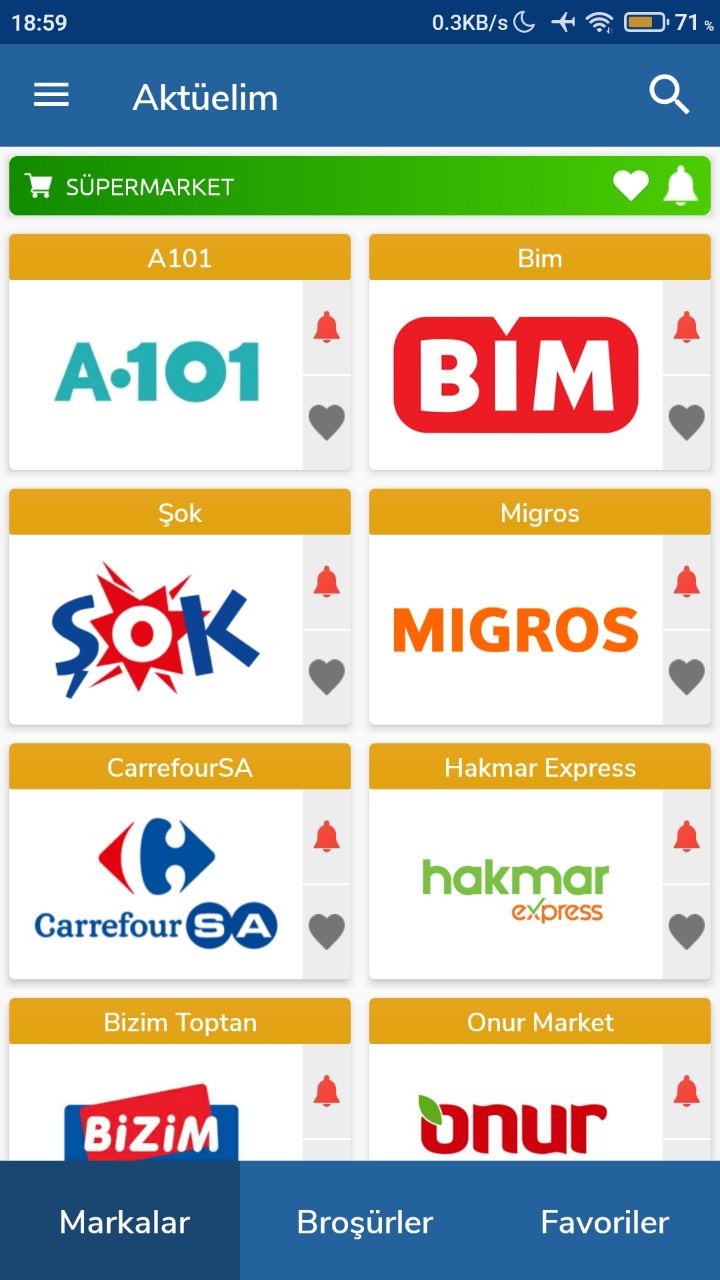
- Open the app and tap the menu button at the top left.
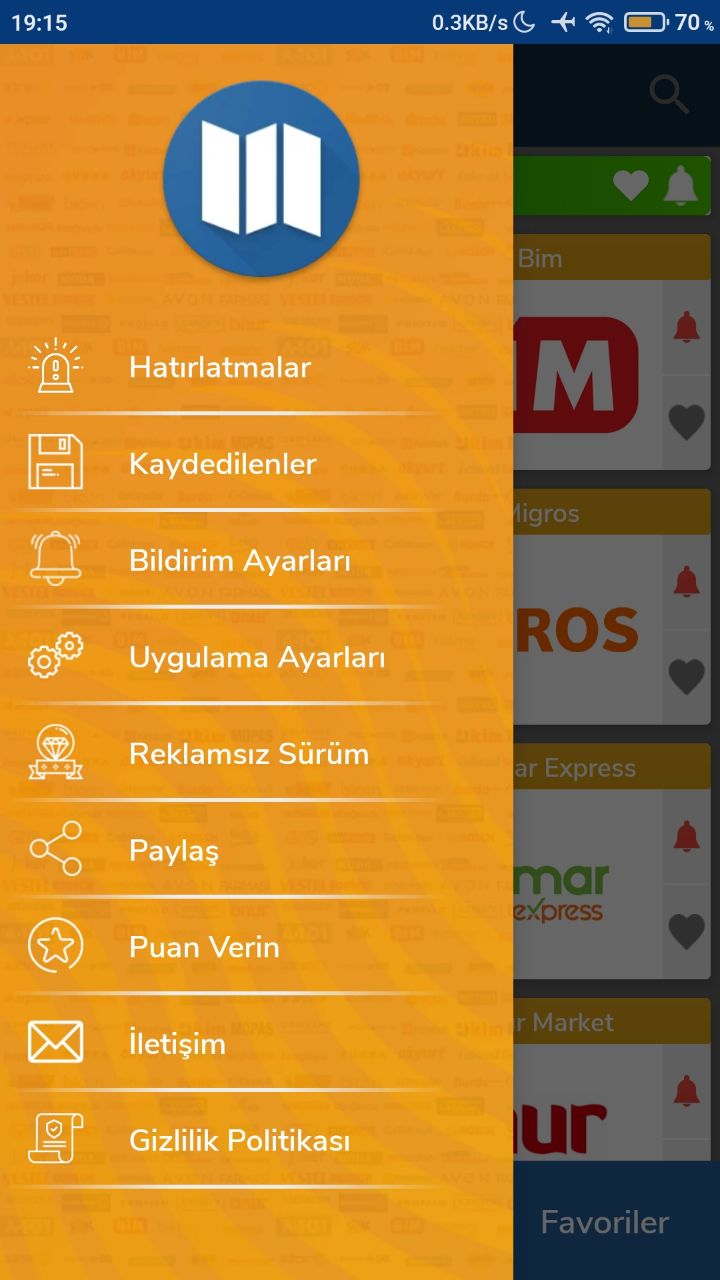
- Go to App Settings (Uygulama Ayarları).
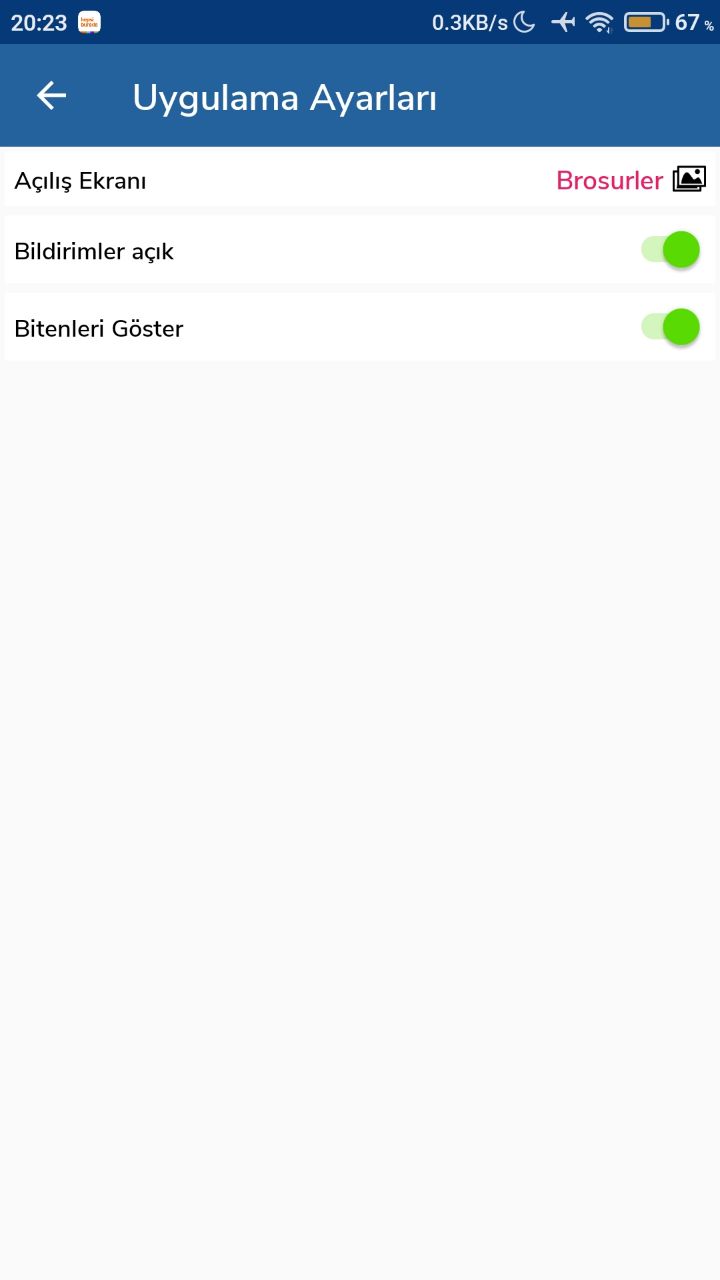
- Use the start screen (Açılış Ekranı) option at the top to set the screen you want.
Was this article helpful?
Thanks for your feedback!
Sorry about that. Our team can help you directly.
Contact support