

How to Block Notifications from Specific Apps in NotifySave
You can stop NotifySave from tracking a specific app. Once you block an app, NotifySave no longer saves its notifications.
How to block an app
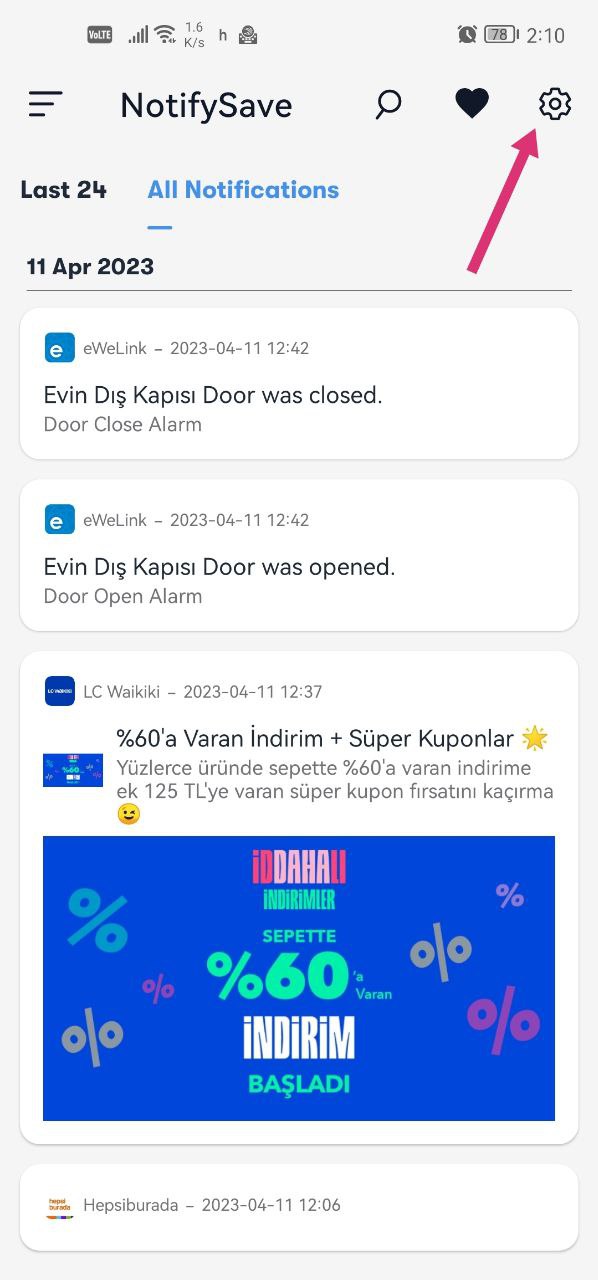
- Open NotifySave and go to its settings.
- Open the Blocking Unnecessary Notifications section.
- Select the app you want to block. Use the search field to find it faster.
NotifySave will no longer track notifications from the apps you selected.


Having a different problem? Please leave us feedback.
Was this article helpful?
Thanks for your feedback!
Sorry about that. Our team can help you directly.
Contact support