

How to Turn On the Black Theme in NotifySave
You can switch NotifySave to a black theme from Settings > Eye Comfort Theme, so the app is easier on your eyes.
You need NotifySave Pro to use this feature.
How to change the theme
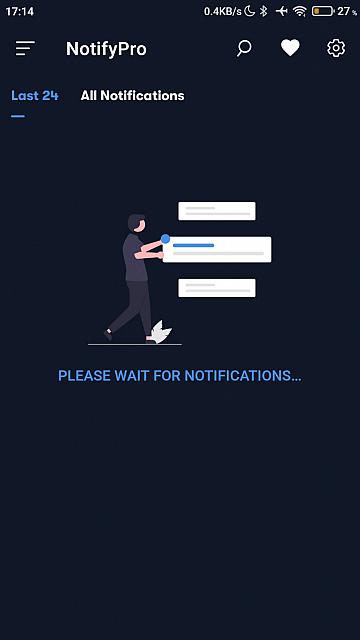
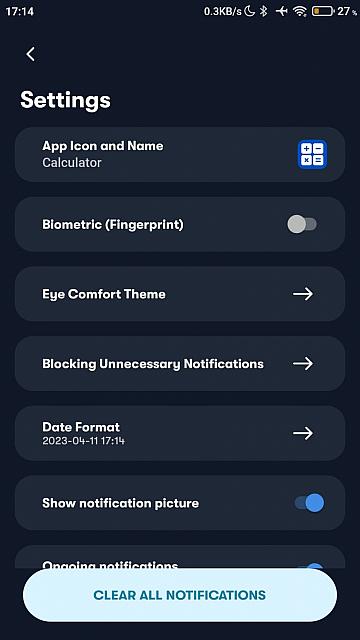
- Open NotifySave and go to Settings.
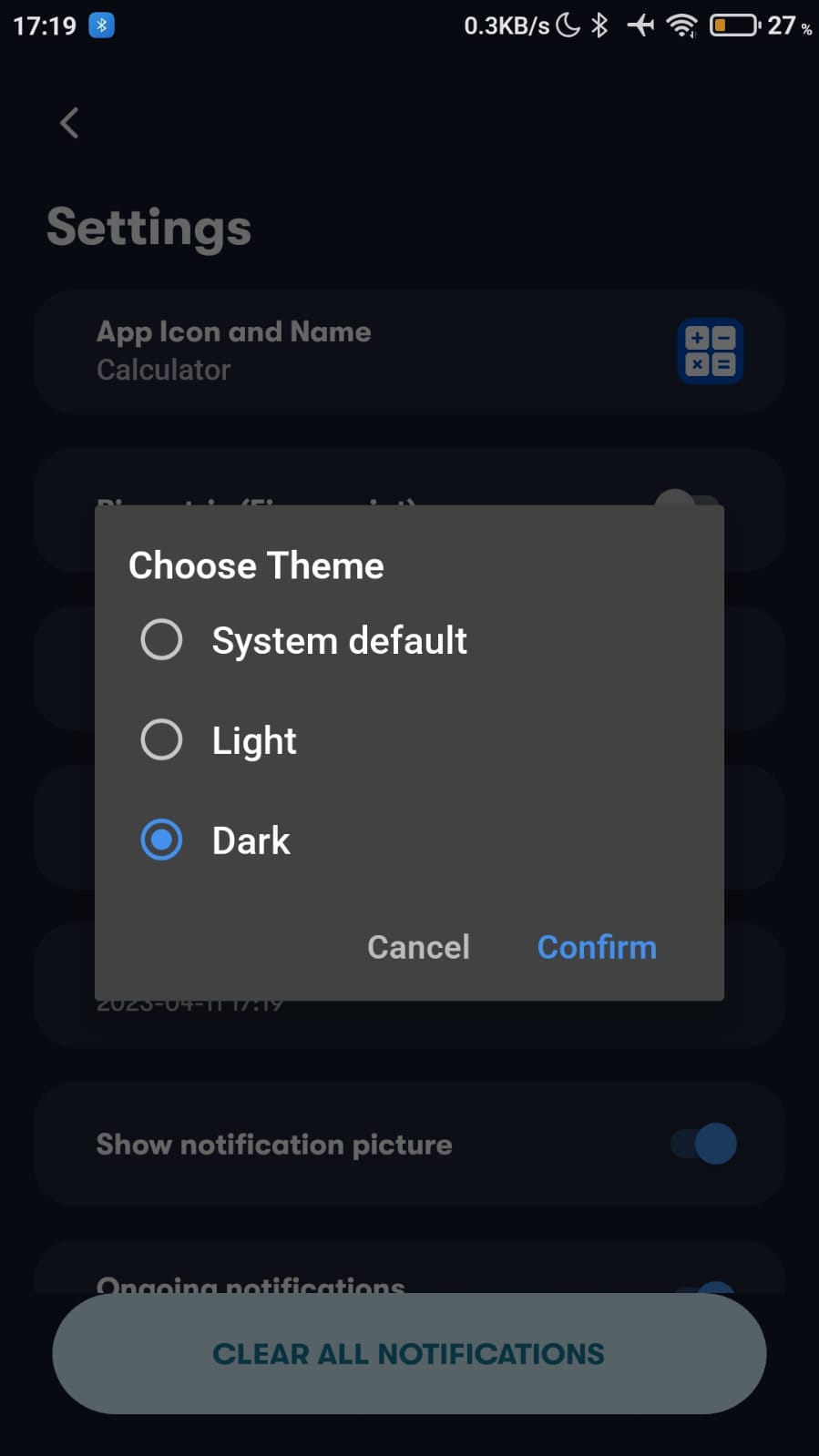
- Tap Eye Comfort Theme.
- Choose the theme you want.
About NotifySave Pro
The Pro version has no ads and lets you change the app's theme and icon.
Was this article helpful?
Thanks for your feedback!
Sorry about that. Our team can help you directly.
Contact support