

Where Are Compressed Videos Saved?
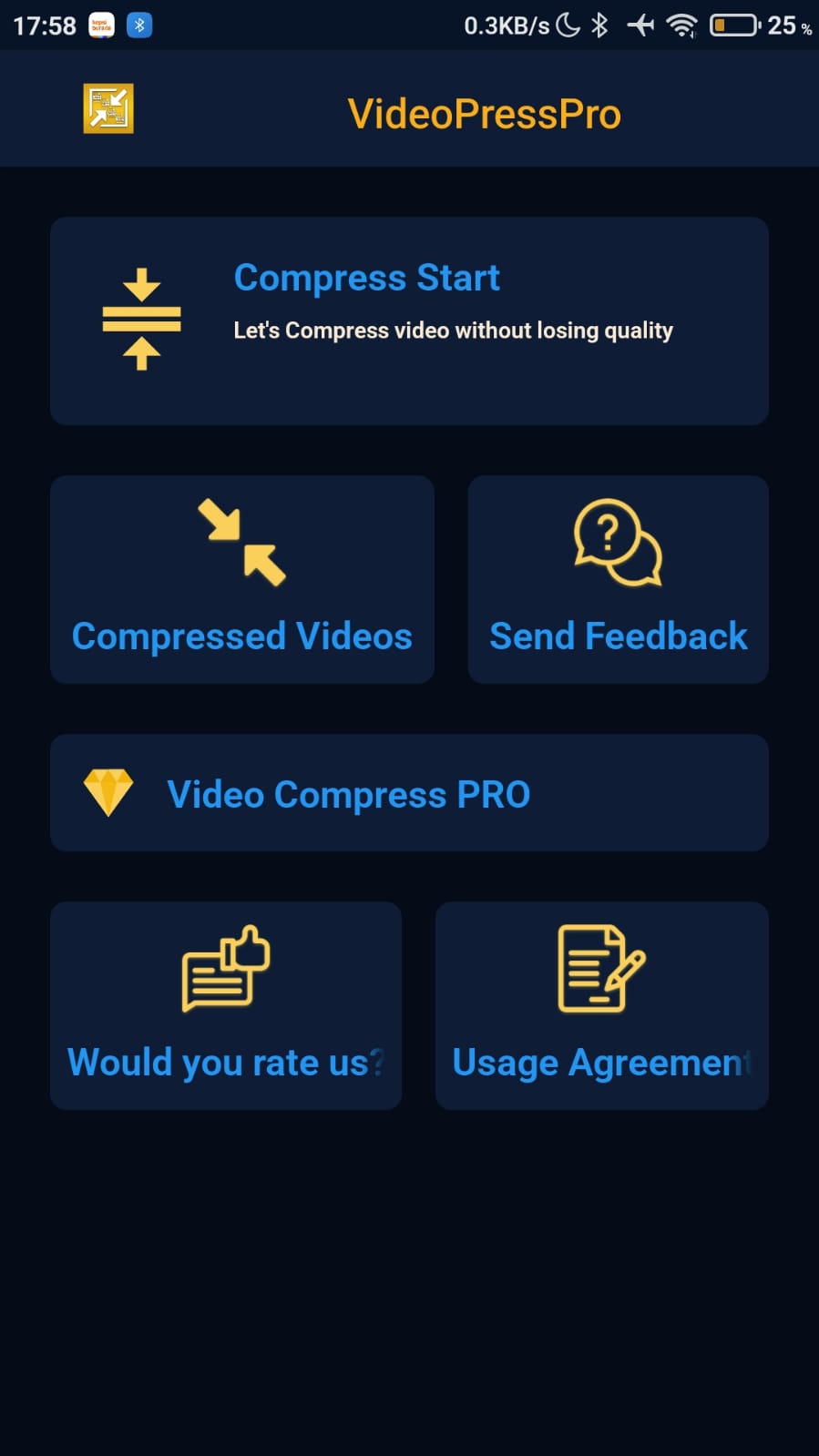
You can find your compressed videos in two places: inside the app under Compressed Videos, and in your device storage in the Movies/Videopress folder.
In the app
- On the app's main screen, tap Compressed Videos.
- Your compressed videos are listed on the screen that opens.

In device storage
Open your device storage (for example, with a file manager) and go to storage/emulated/0/Movies/Videopress.
Was this article helpful?
Thanks for your feedback!
Sorry about that. Our team can help you directly.
Contact support