

How to Add StickerTR Stickers to WhatsApp
To add stickers to WhatsApp, open a sticker pack in StickerTR, choose WhatsApp and tap Add.
Steps
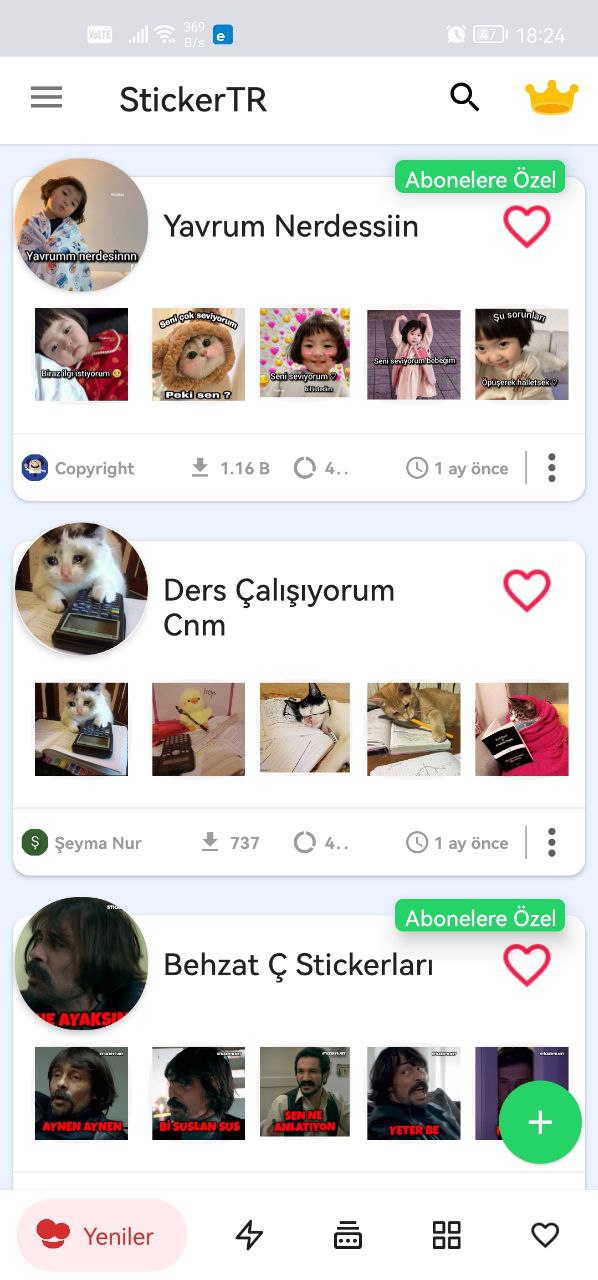
- Open the app and tap the sticker pack you like.
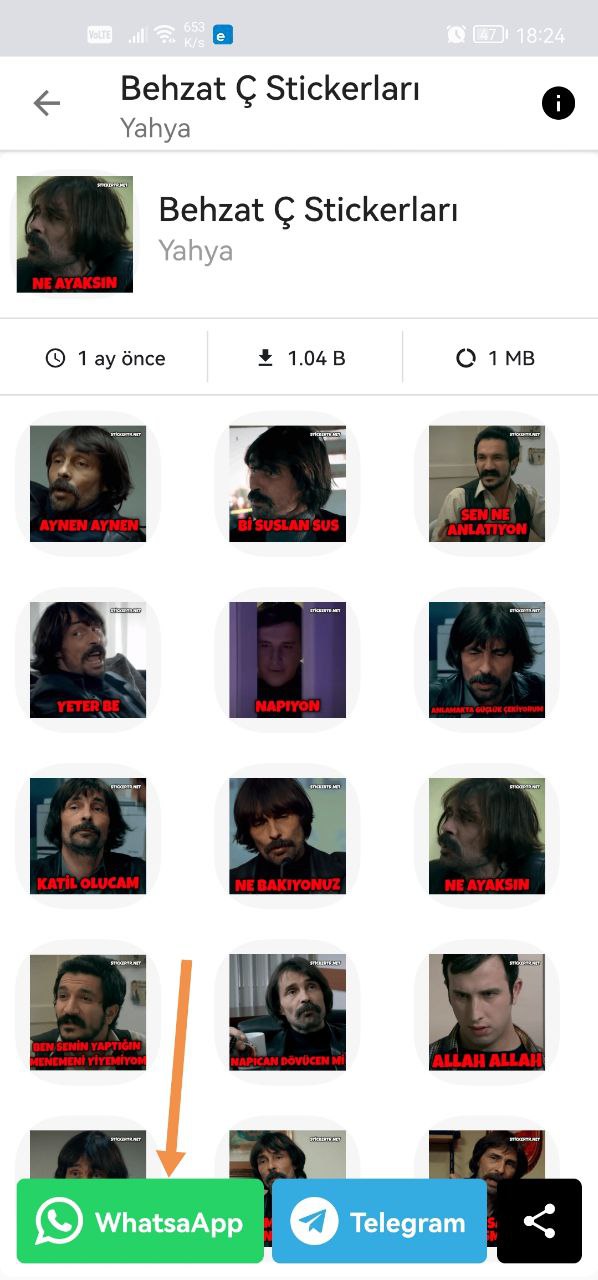
- From the options below, choose WhatsApp.
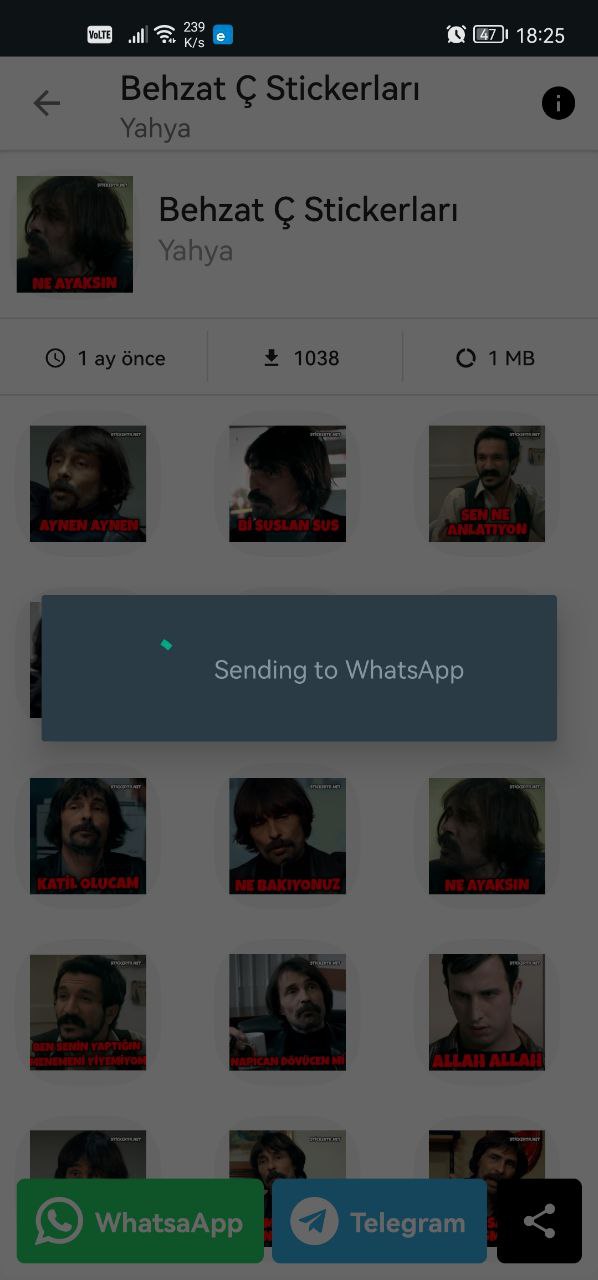
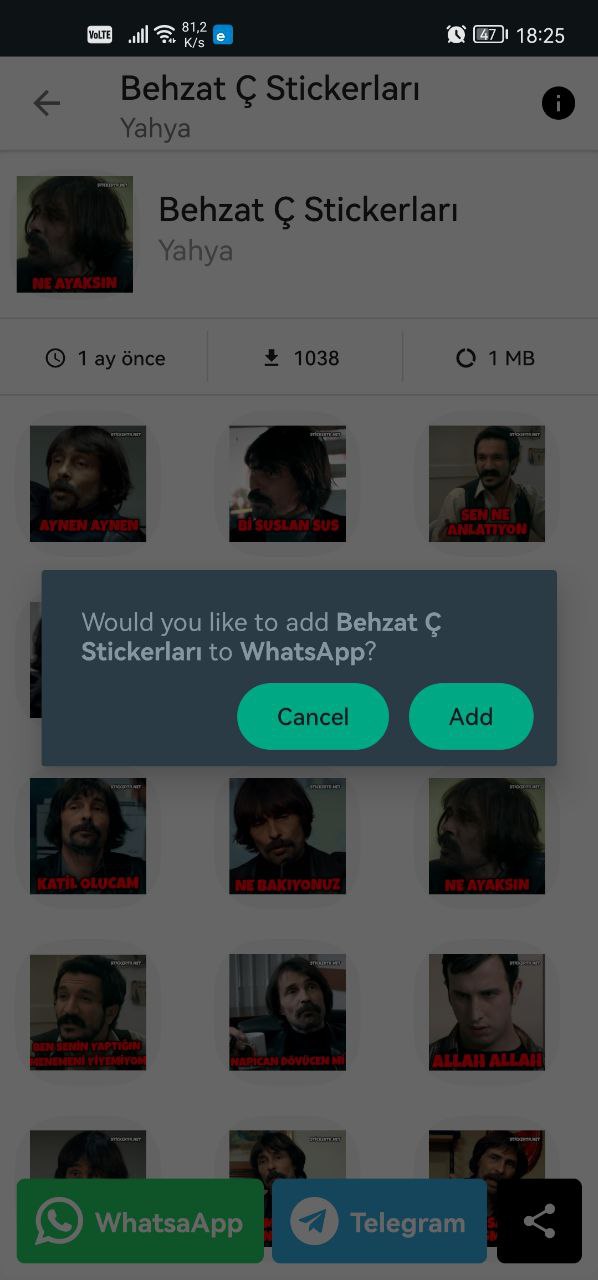
- On the next screen, select WhatsApp and tap Add.
That's it. Have fun!
Where to find your stickers in WhatsApp
Learn where to find the added stickers in WhatsApp in this article: Where are stickers added to WhatsApp?
Was this article helpful?
Thanks for your feedback!
Sorry about that. Our team can help you directly.
Contact support