

How to Create a WhatsApp & Telegram Sticker Pack in StickerTR
You can create a sticker pack in StickerTR in a few steps: add a cover photo and name, turn photos from your gallery into stickers, test the pack in WhatsApp, and publish it.
Create a sticker pack
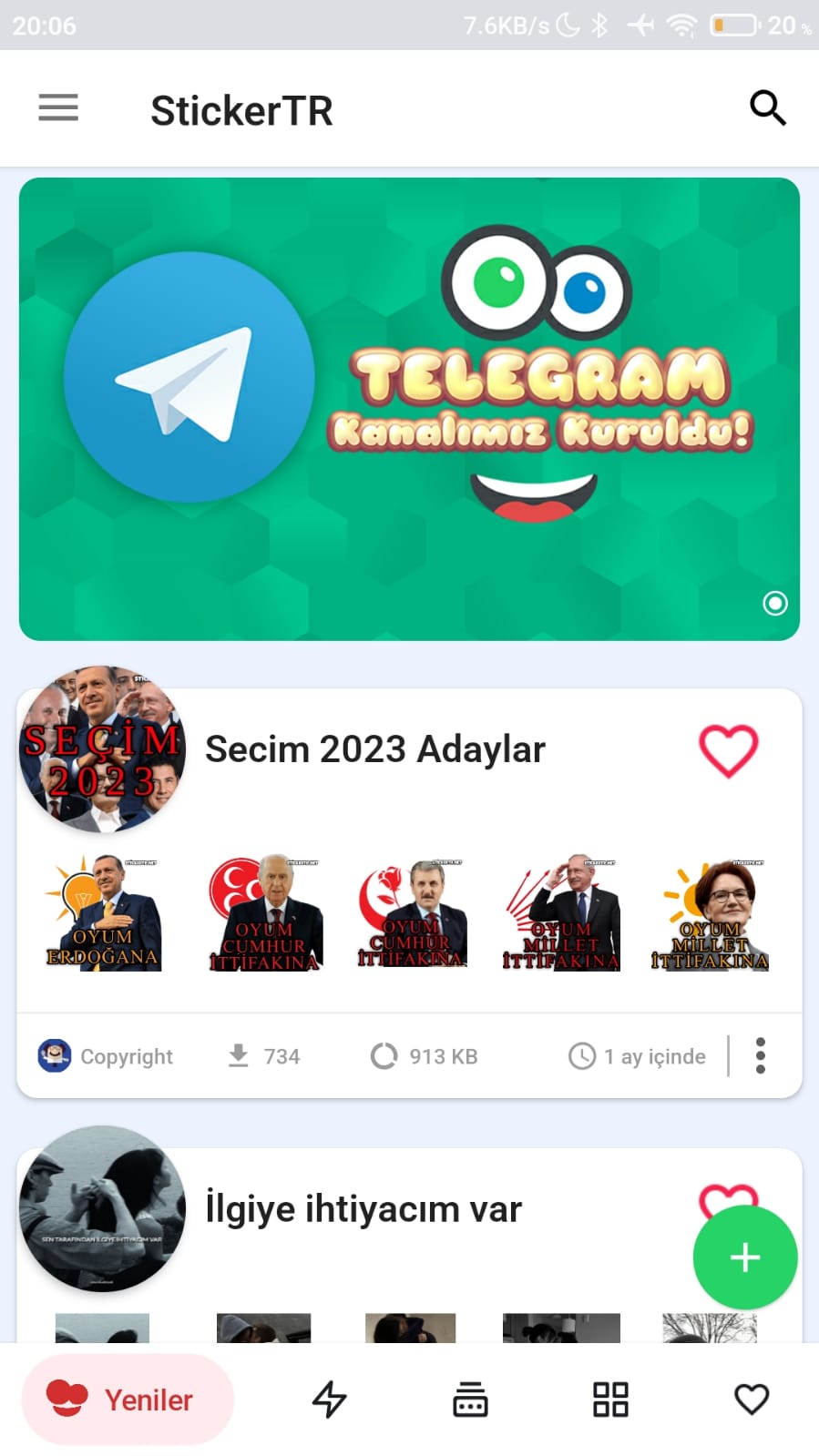
- Open the app and tap the + button in the bottom-right corner to open the pack creation page.
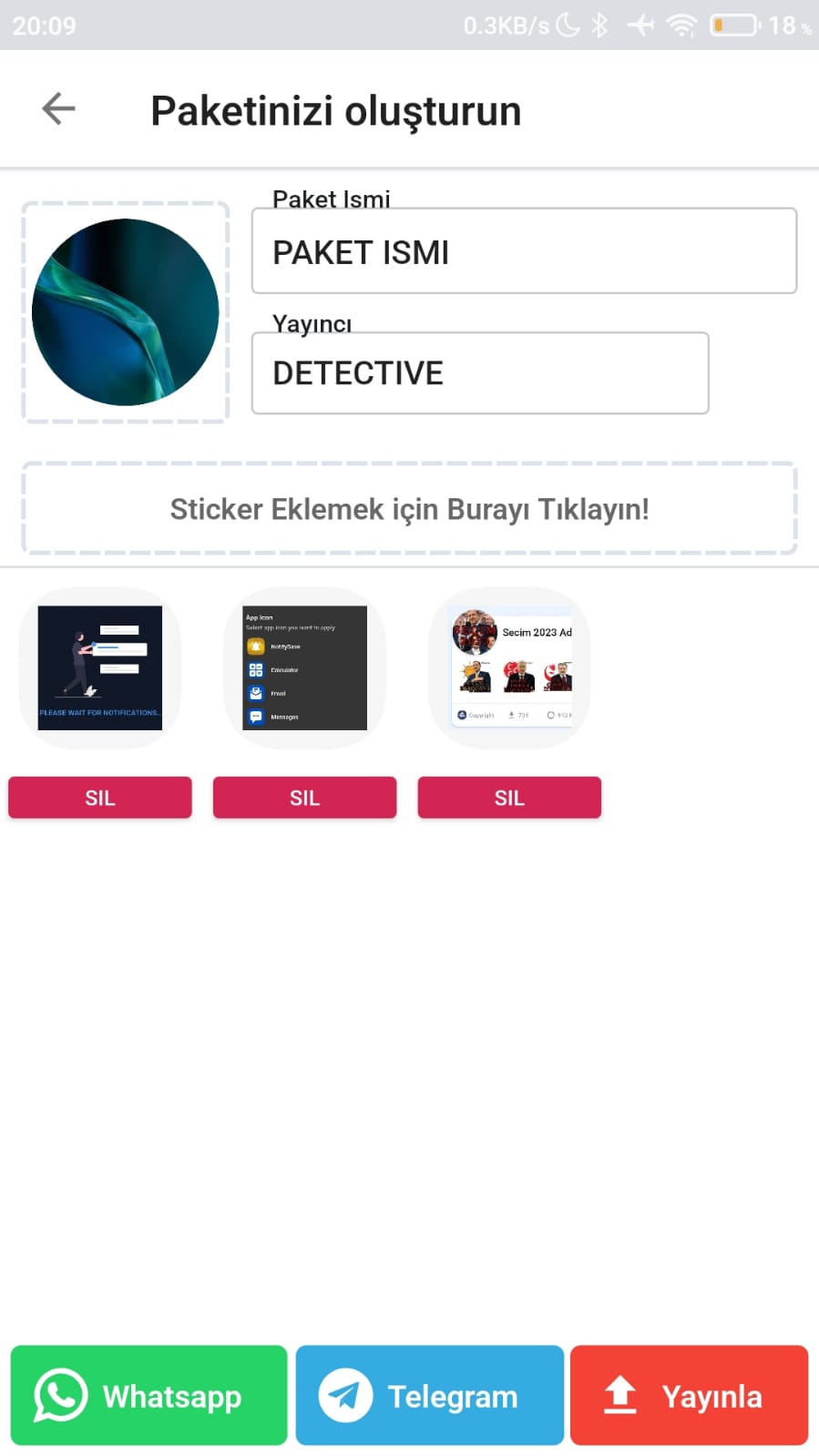
- Set the cover photo.
- Enter the pack name and the publisher's nickname.
- Tap Click Here to add stickers, and turn photos from your gallery into stickers one by one.
- Once the pack has at least 12 stickers, tap Add to WhatsApp to test that the pack can be added.
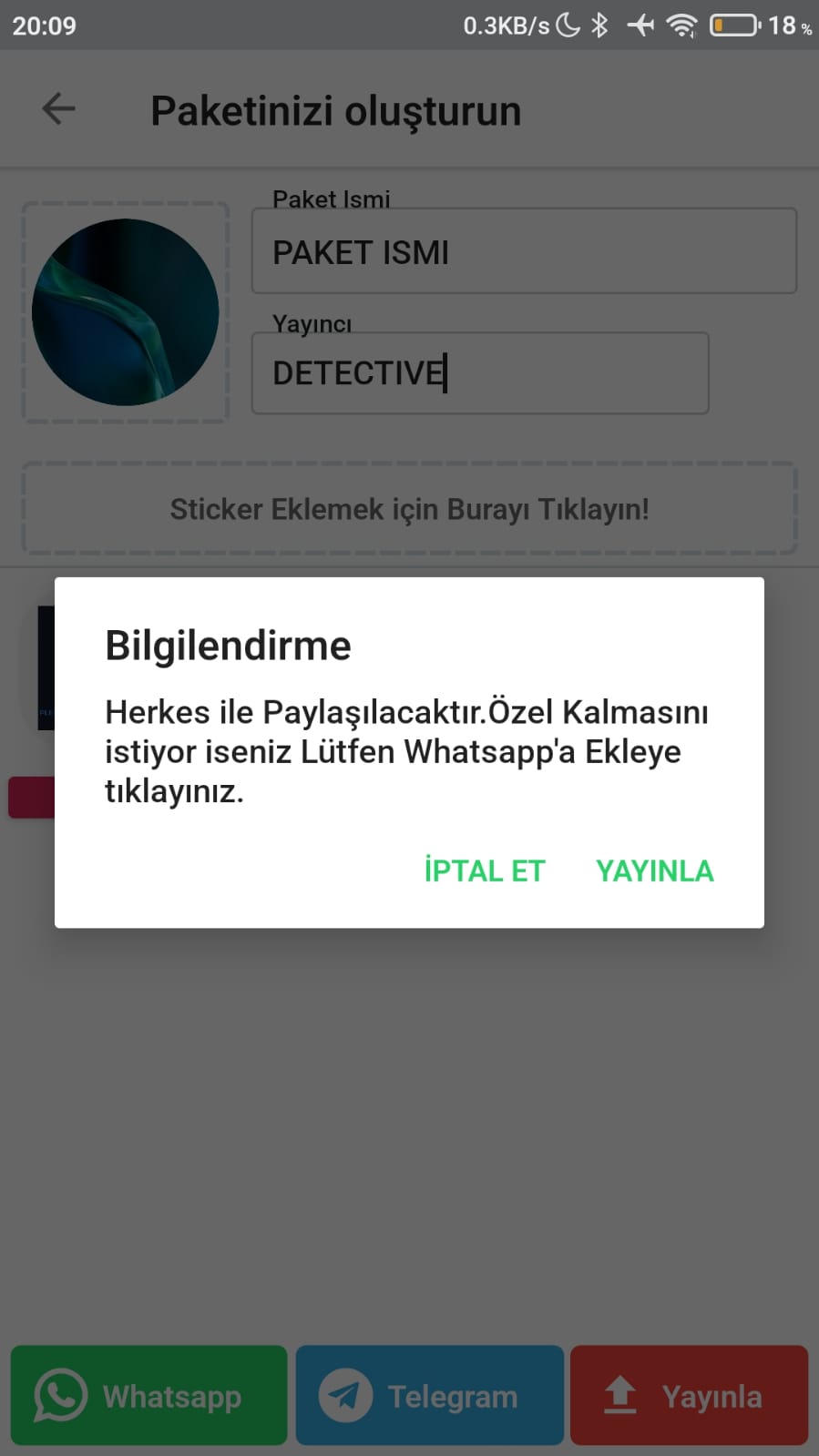
- Tap Publish.
A pack needs at least 12 stickers. After our admins review it, your sticker pack will be shared publicly.
Was this article helpful?
Thanks for your feedback!
Sorry about that. Our team can help you directly.
Contact support