

How to Contact a Sticker Creator in StickerTR
You can contact a sticker creator by email directly from their sticker pack in StickerTR, for example to say you like their stickers or to ask a question.
How to email a sticker creator
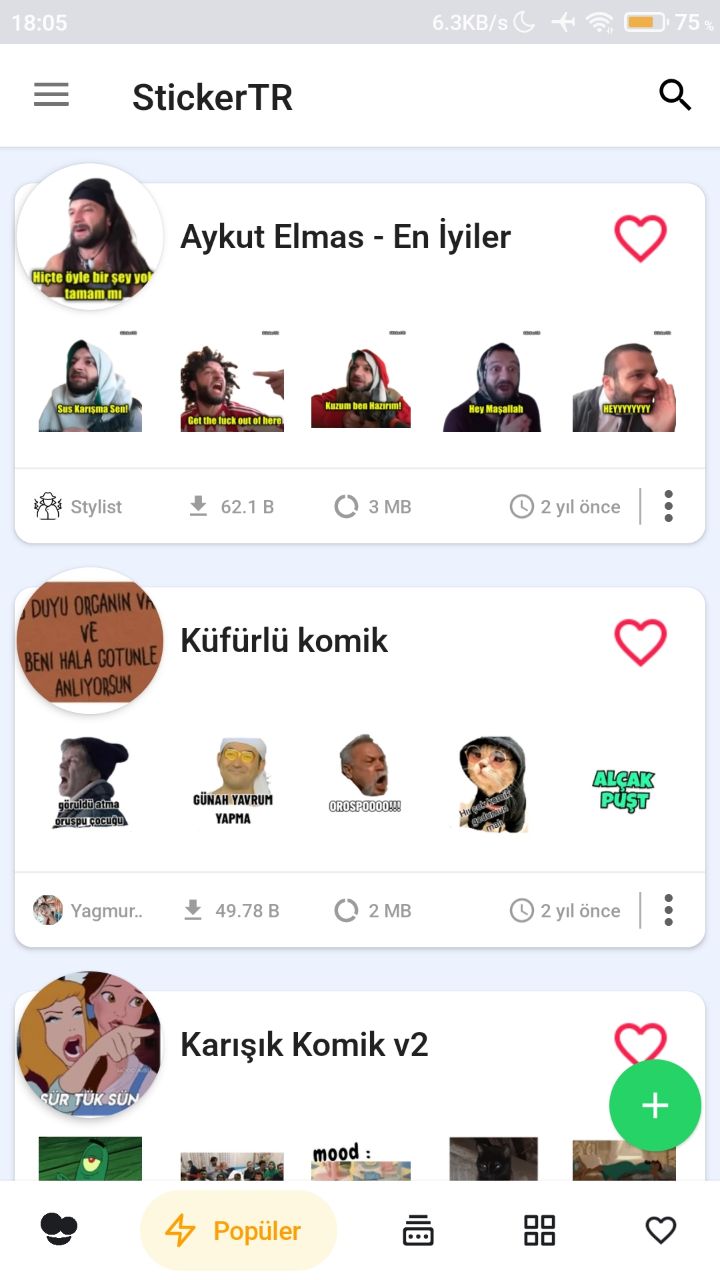
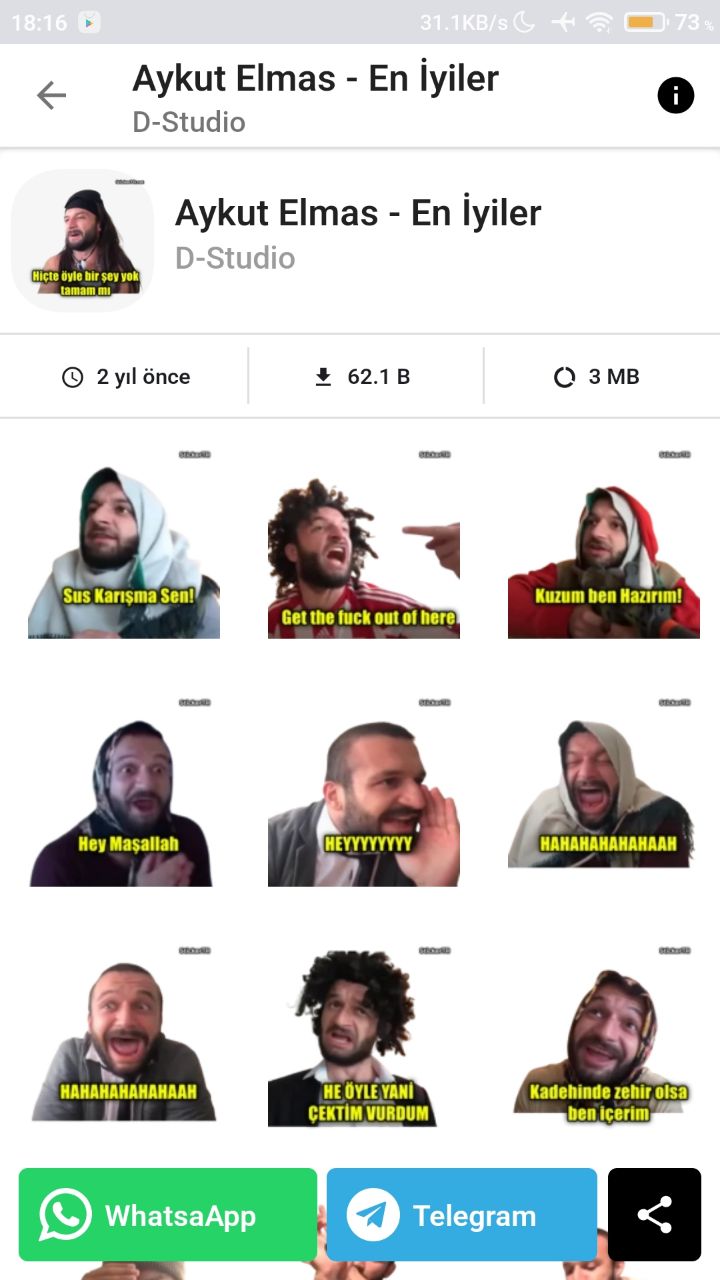
- Open the app and go into the sticker pack whose creator you want to contact.
- Tap the exclamation mark (!) icon in the top right corner.
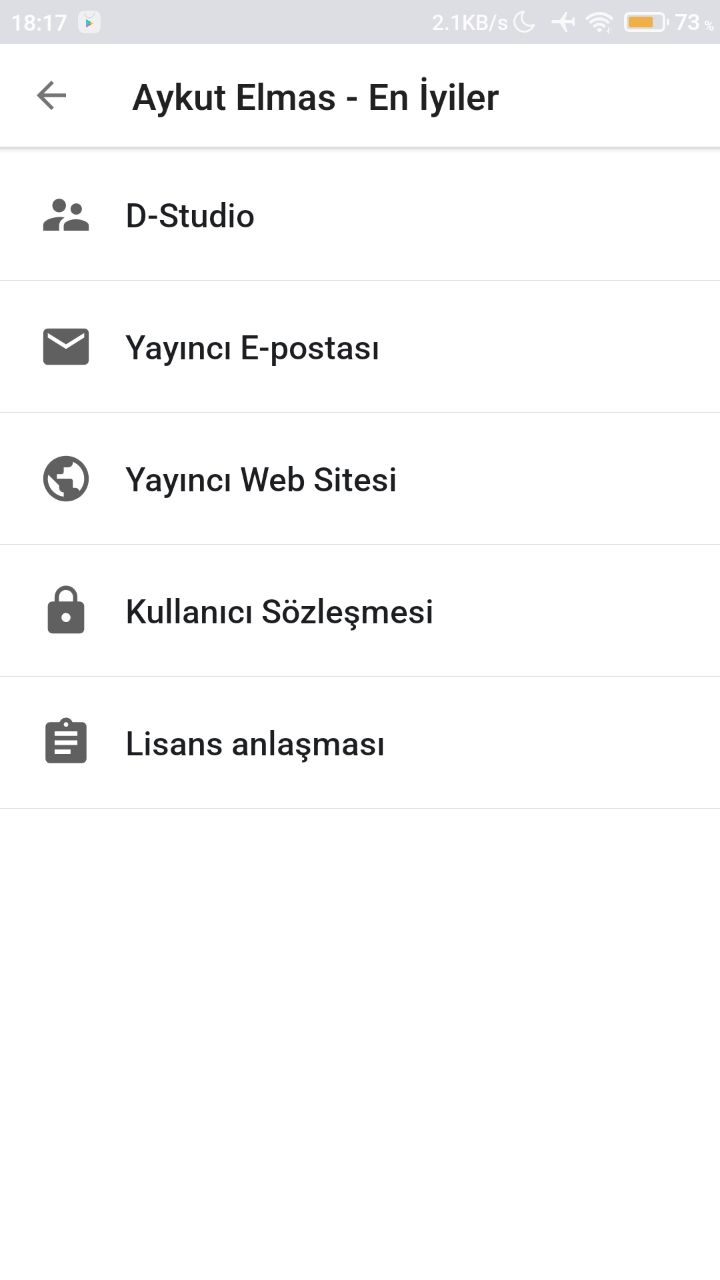
- From the options that appear, choose the Email option to send the creator an email.
Was this article helpful?
Thanks for your feedback!
Sorry about that. Our team can help you directly.
Contact support