

How to Report a User or Sticker Pack in StickerTR
If a user or sticker pack bothers you, you can report it to us from the three-dot menu and a short form.
Steps
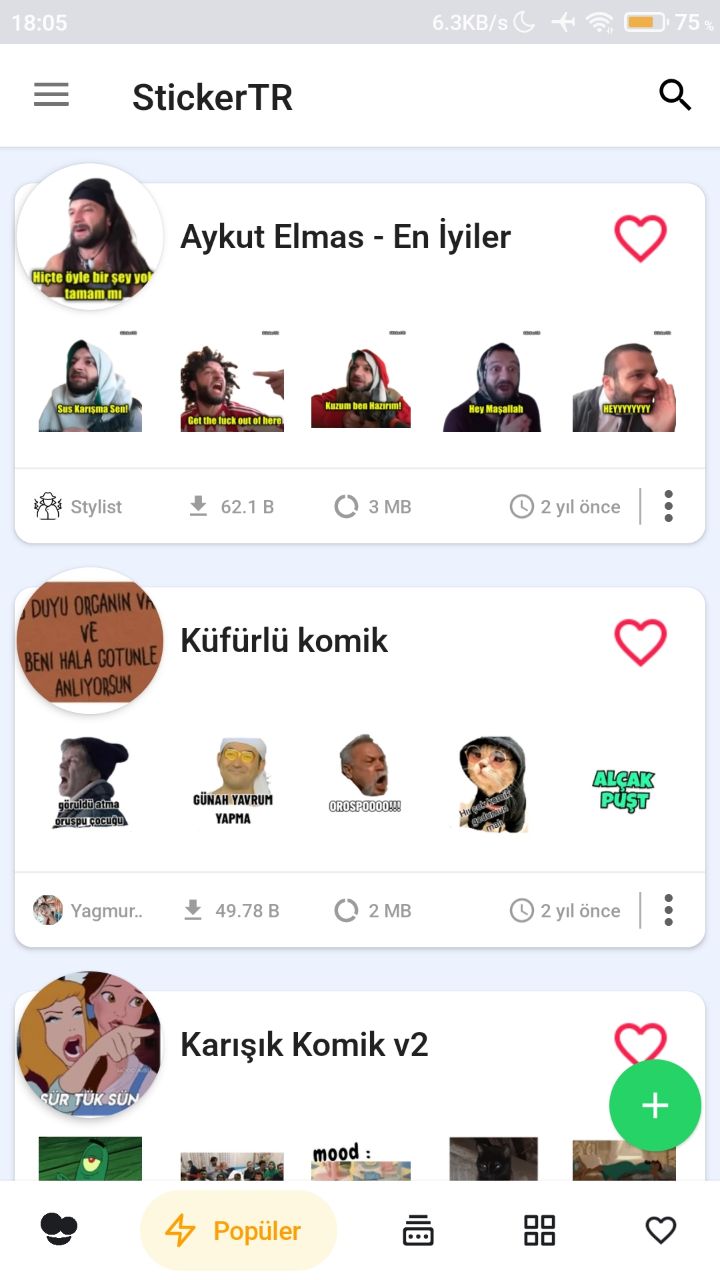
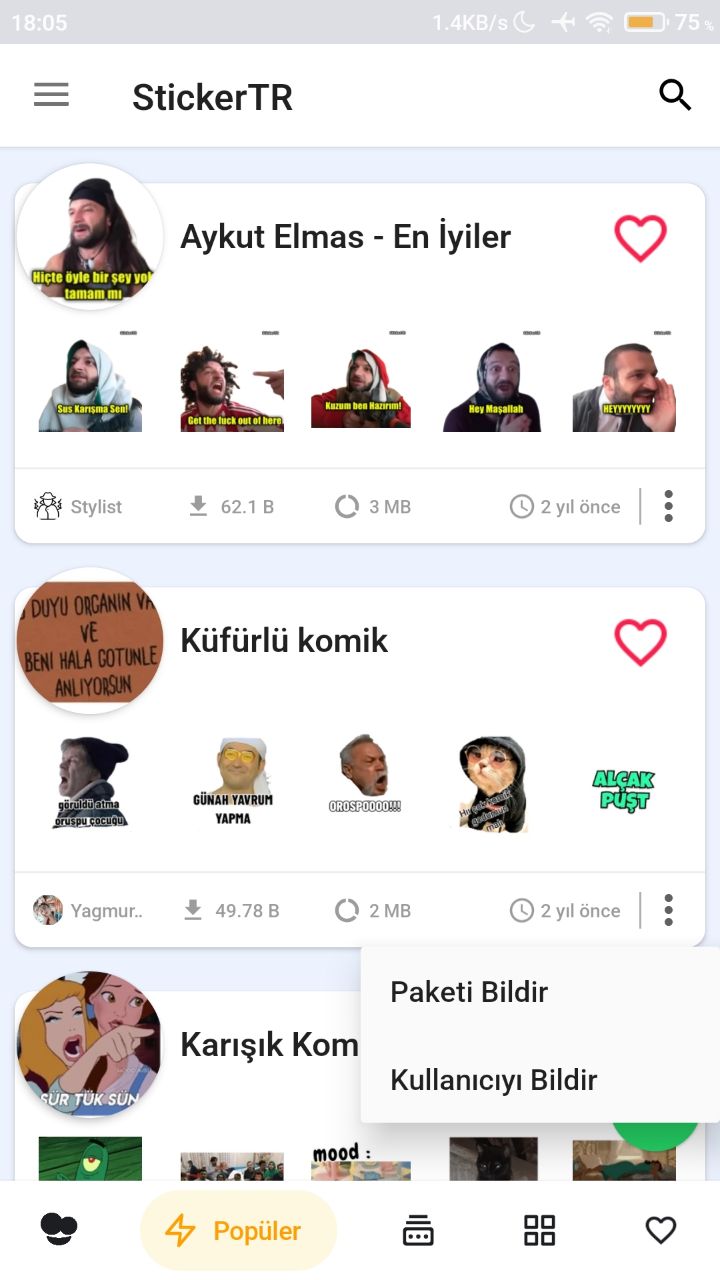
- Open the app and find the user or sticker pack you want to report.
- Tap the three dots at its bottom right.
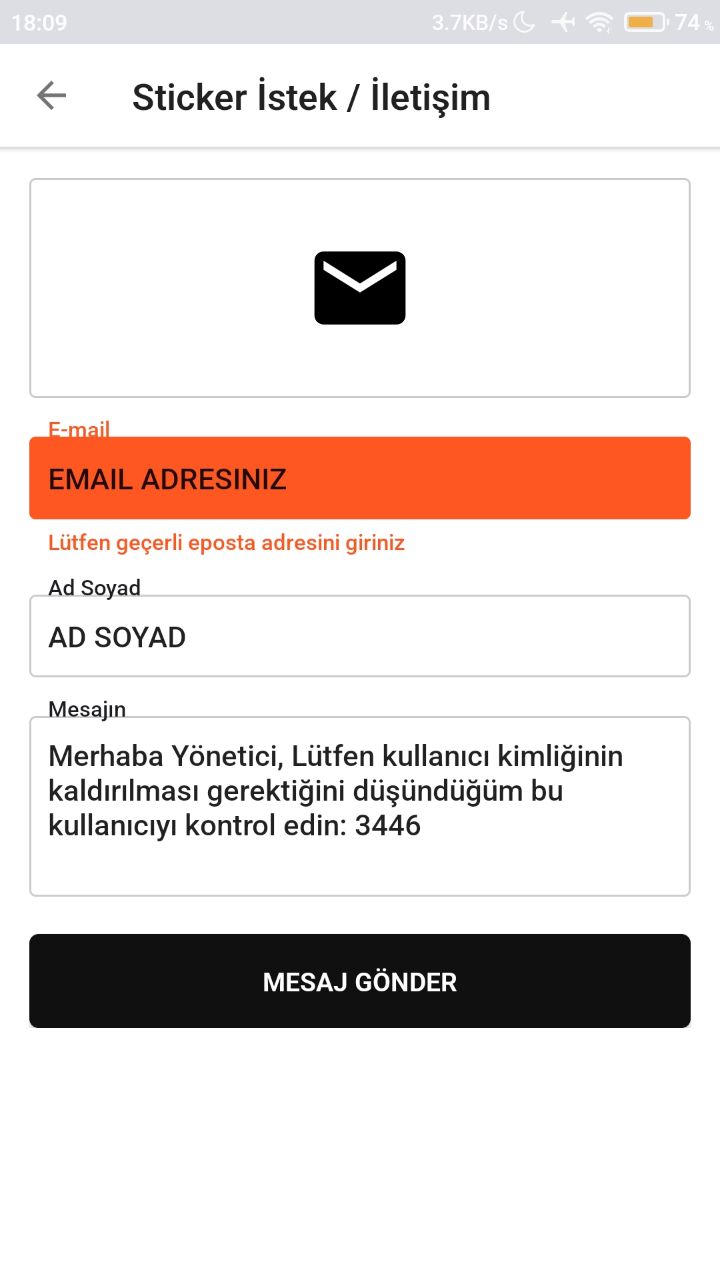
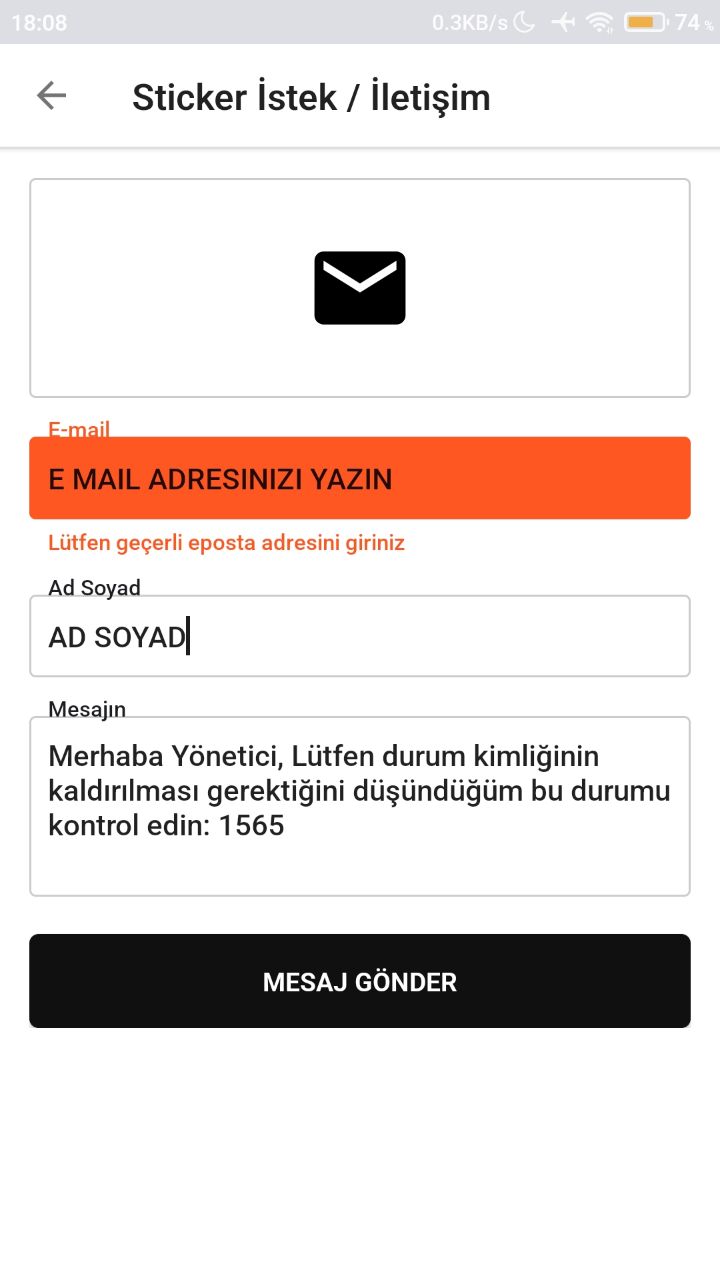
- In the form that appears, enter your first name, last name and email address.
- Send the form to us.
Was this article helpful?
Thanks for your feedback!
Sorry about that. Our team can help you directly.
Contact support