

How to See a Wi-Fi Password by Scanning a QR Code
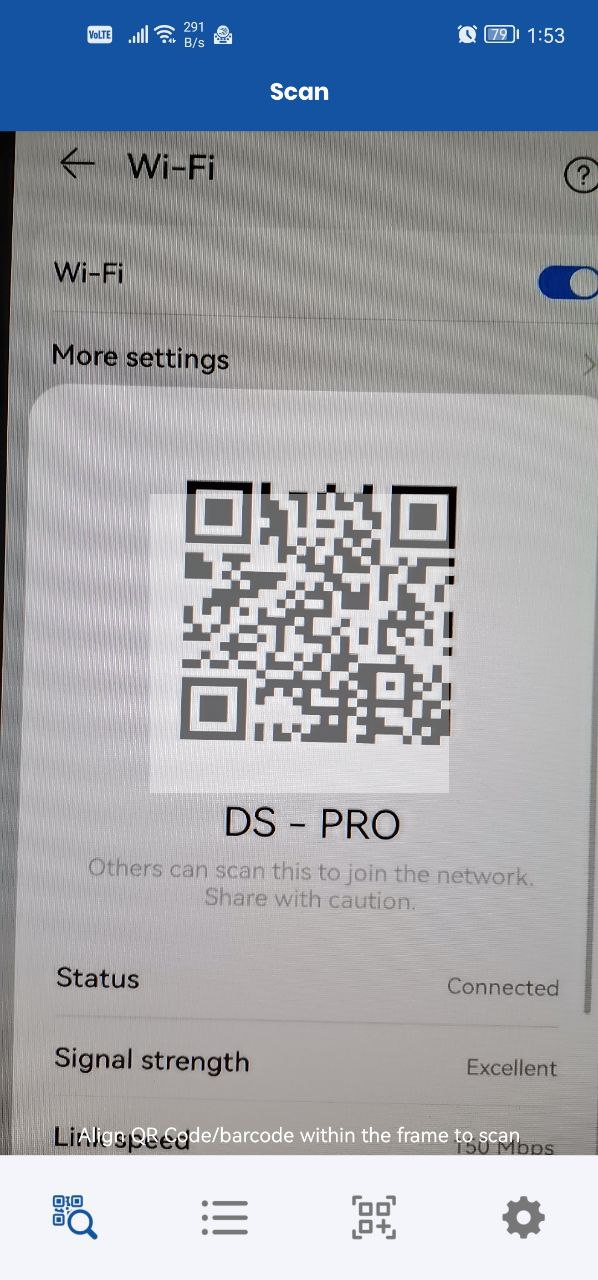
Scan the QR code of a Wi-Fi (WLAN) network with the app to see its password and connect more easily.
Steps
- Scan the QR code of the WLAN (Wi-Fi) network you want to connect to.
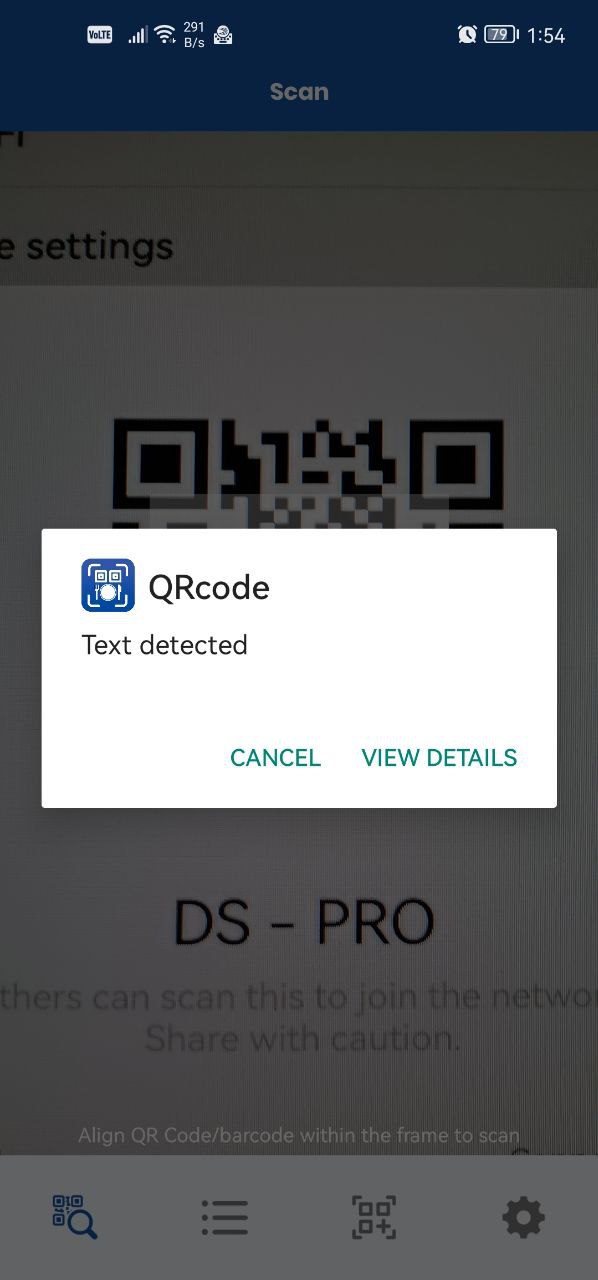
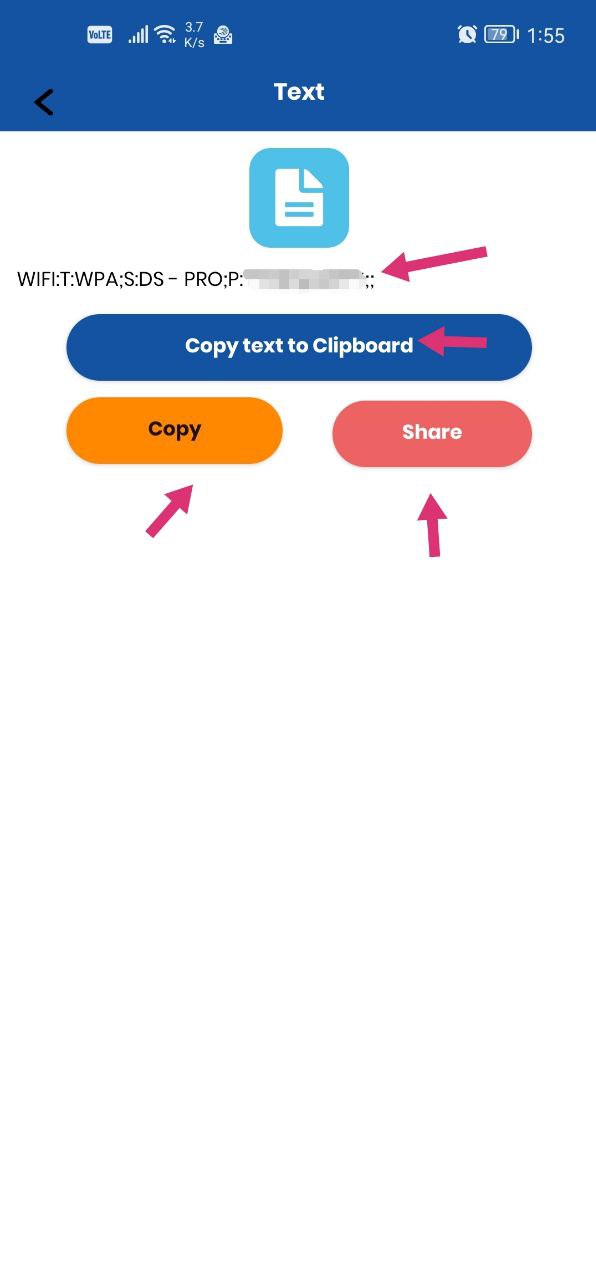
- In the pop-up that appears, open the details to see the Wi-Fi password.
- Share the password if you wish.
Was this article helpful?
Thanks for your feedback!
Sorry about that. Our team can help you directly.
Contact support