


Comment créer un compte StickerTR
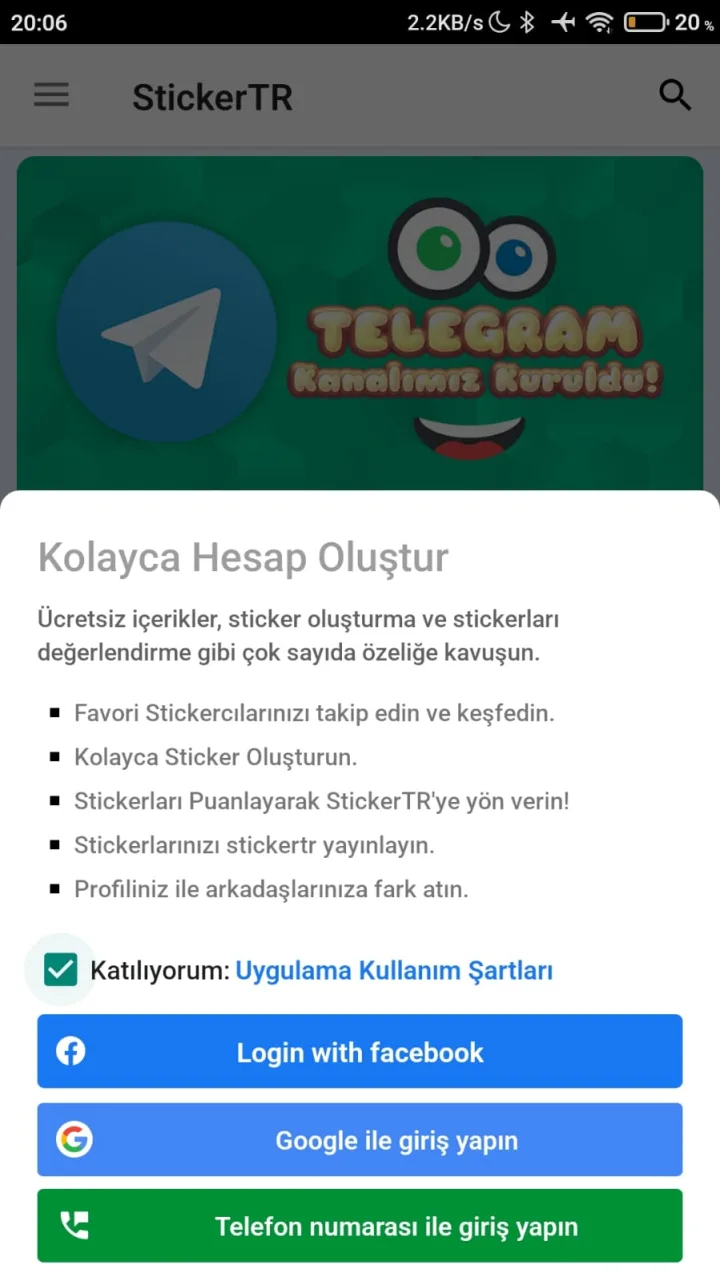
Vous pouvez créer un compte StickerTR de trois manières : avec Facebook, Google ou votre numéro de téléphone.
Étapes
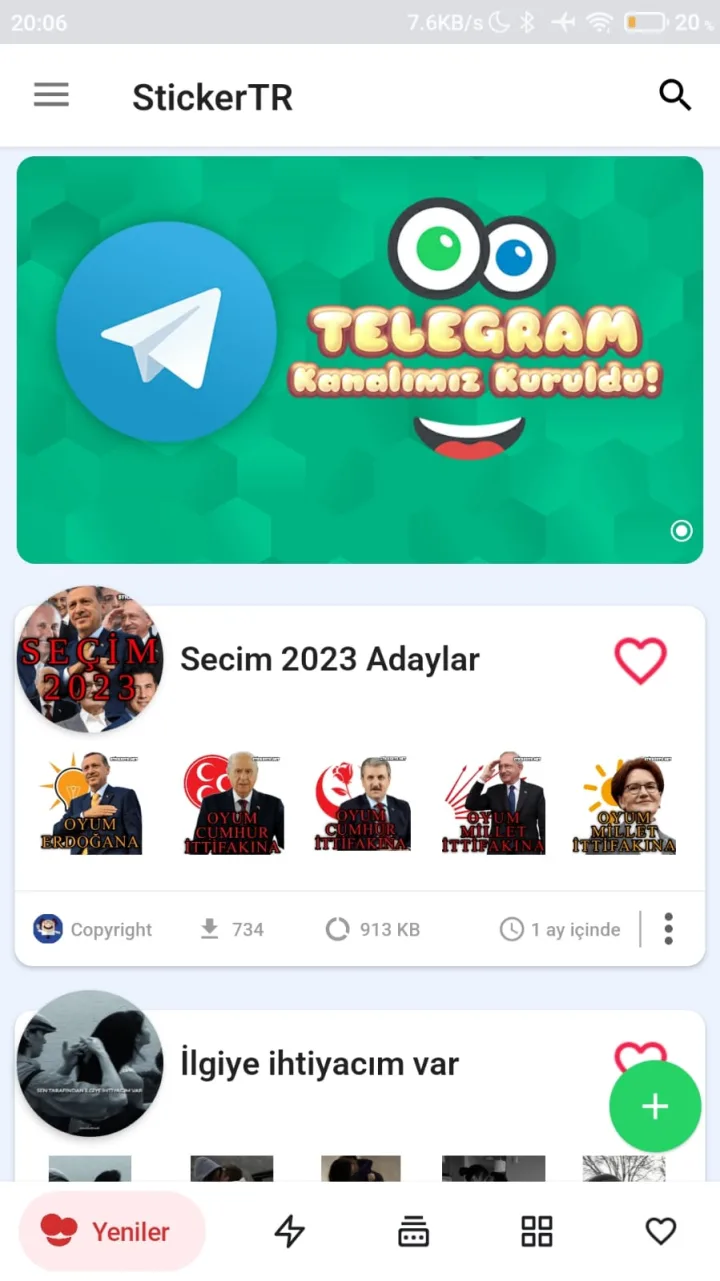
- Ouvrez l'application.
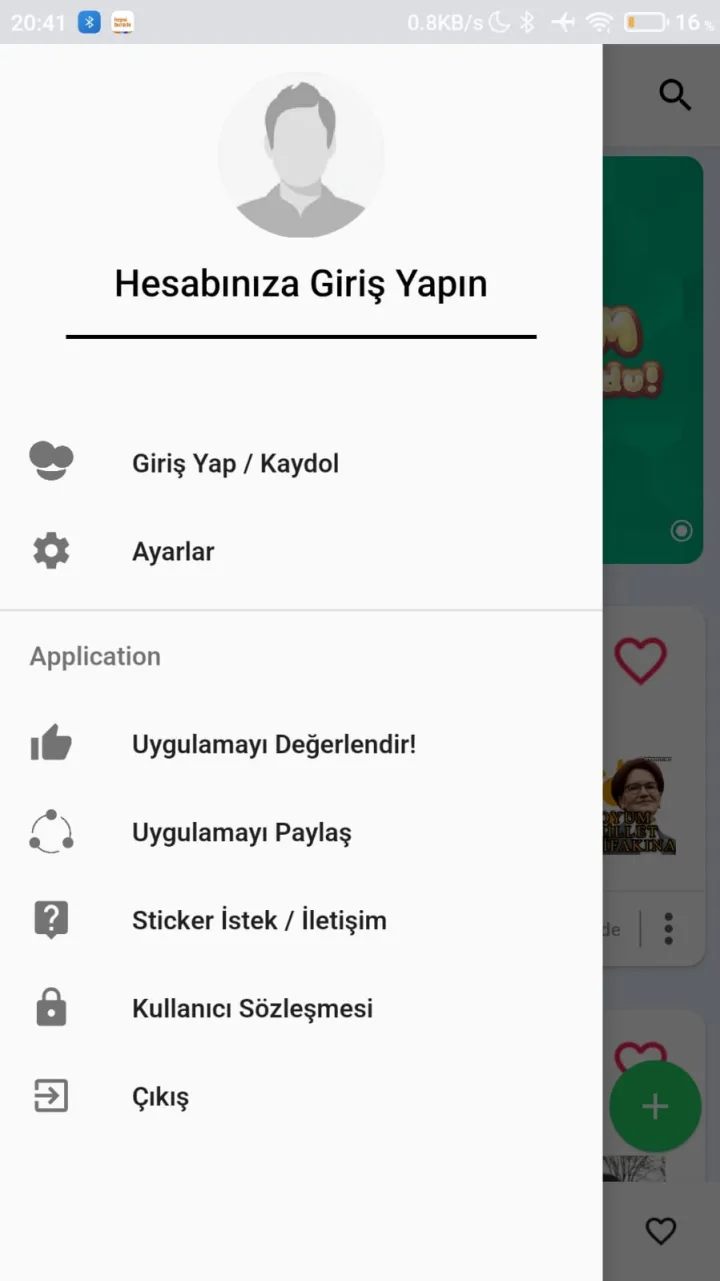
- Faites glisser le bord gauche pour ouvrir le panneau latéral.
- Appuyez sur Connexion/inscription (Giriş Yap/Kaydol).
- Choisissez l'une des options : Facebook, Google ou numéro de téléphone, et terminez l'enregistrement.
- Si vous le souhaitez, vous pouvez alors afficher votre profil à partir du panneau de gauche.

Cet article vous a-t-il été utile ?
Merci pour votre retour !
Désolés. Notre équipe peut vous aider directement.
Contacter le support