


Wie man StickerTR-Aufkleber zu WhatsApp hinzufügt
Um WhatsApp Aufkleber hinzuzufügen, öffnen Sie ein Aufkleberpaket in StickerTR, wählen Sie WhatsApp und drücken Sie Hinzufügen.
Treppe
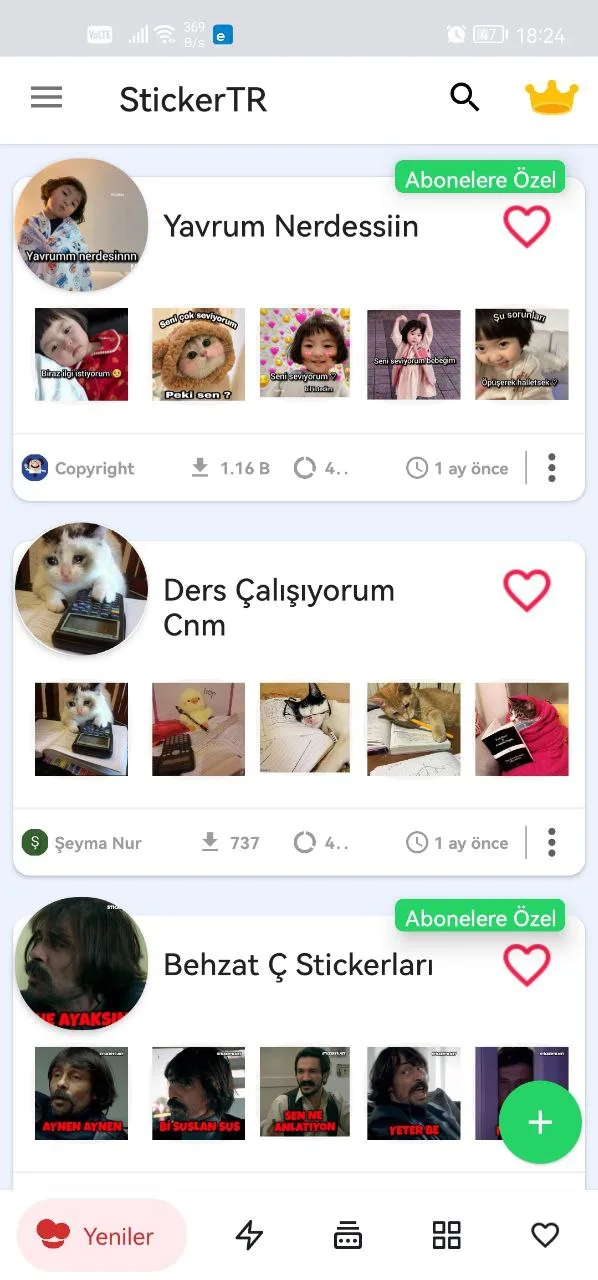
- Öffnen Sie die App und drücken Sie das Sticker Pack, das Sie mögen.
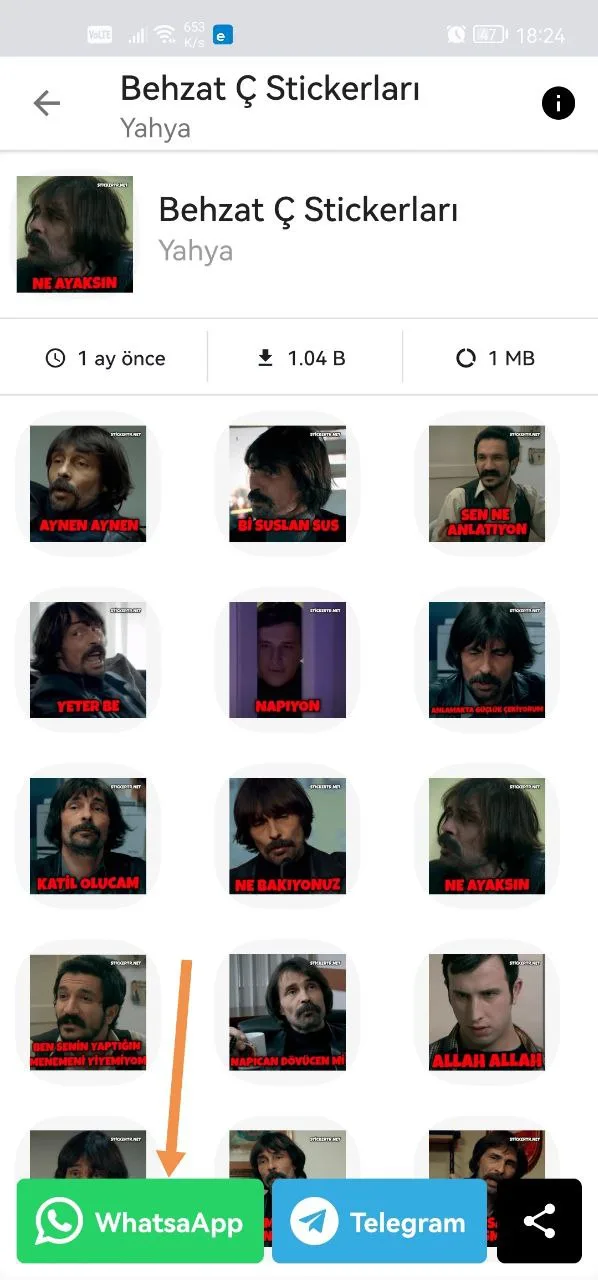
- Wählen Sie aus den folgenden Optionen WhatsApp.
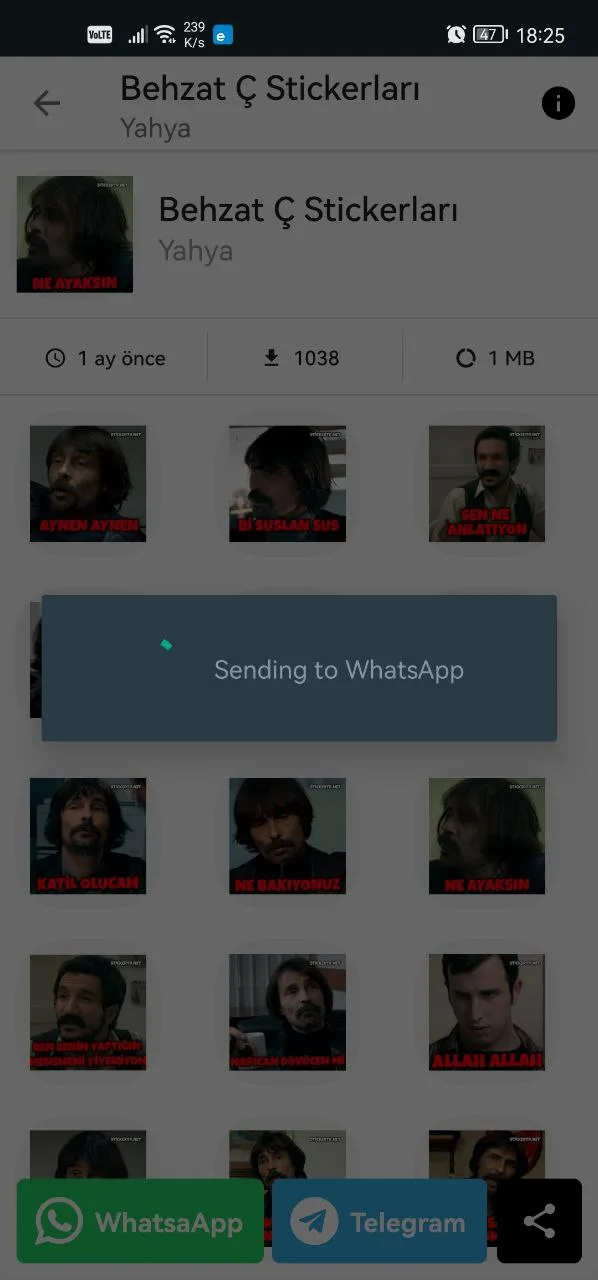
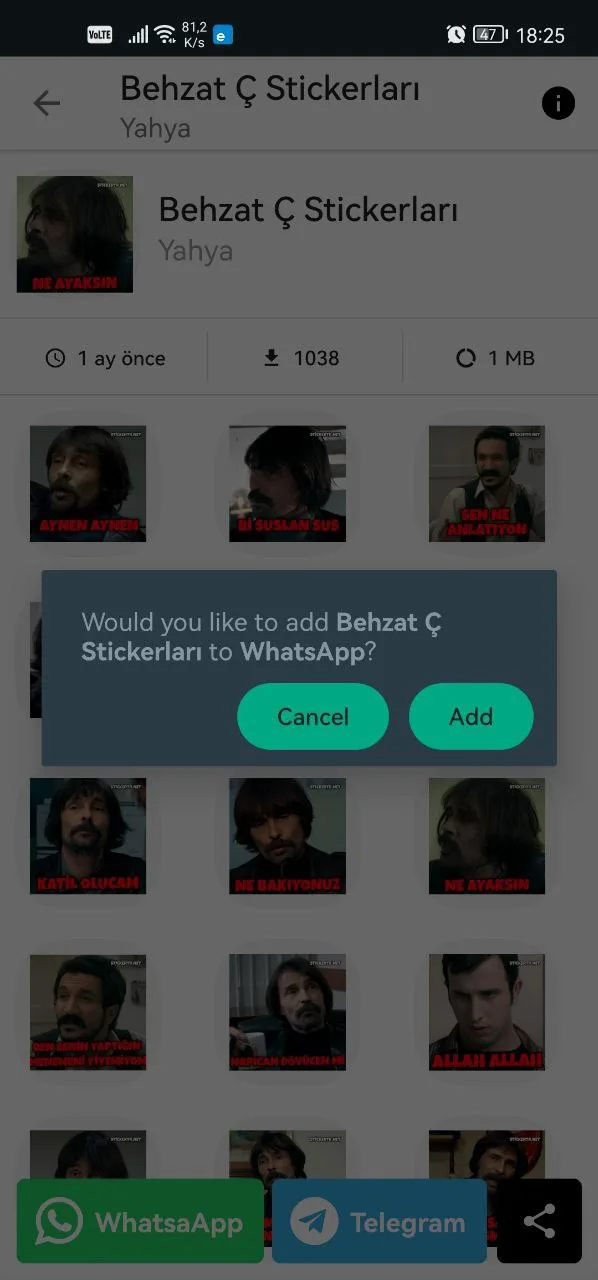
- Wählen Sie auf dem nächsten Bildschirm WhatsApp und drücken Sie Hinzufügen.
Das war's. Viel Spaß!
Wo finden Sie Ihre Aufkleber in WhatsApp
Erfahren Sie in diesem Artikel, wo Sie die hinzugefügten Aufkleber in WhatsApp finden: Wo werden Aufkleber zu WhatsApp hinzugefügt?
War dieser Artikel hilfreich?
Danke für dein Feedback!
Das tut uns leid. Unser Team kann dir direkt helfen.
Support kontaktieren