


How to Recover Deleted Photos on Android
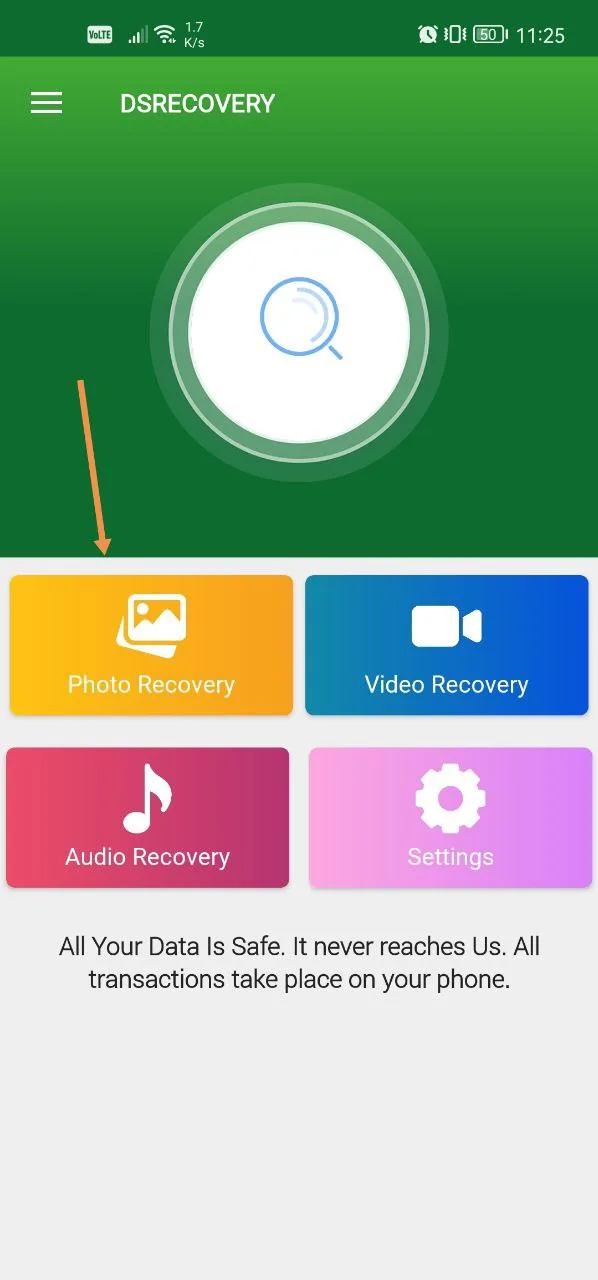
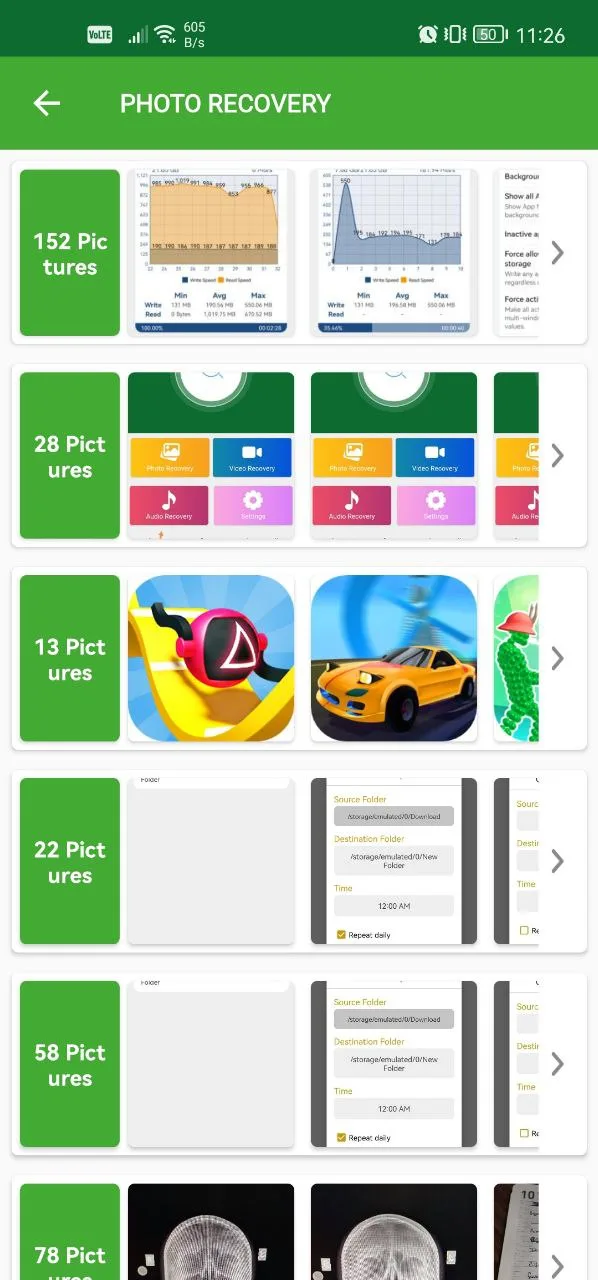
Open Photo and Video Recovery and tap Photo Recovery to see the deleted photos the app can find on your device.
Steps
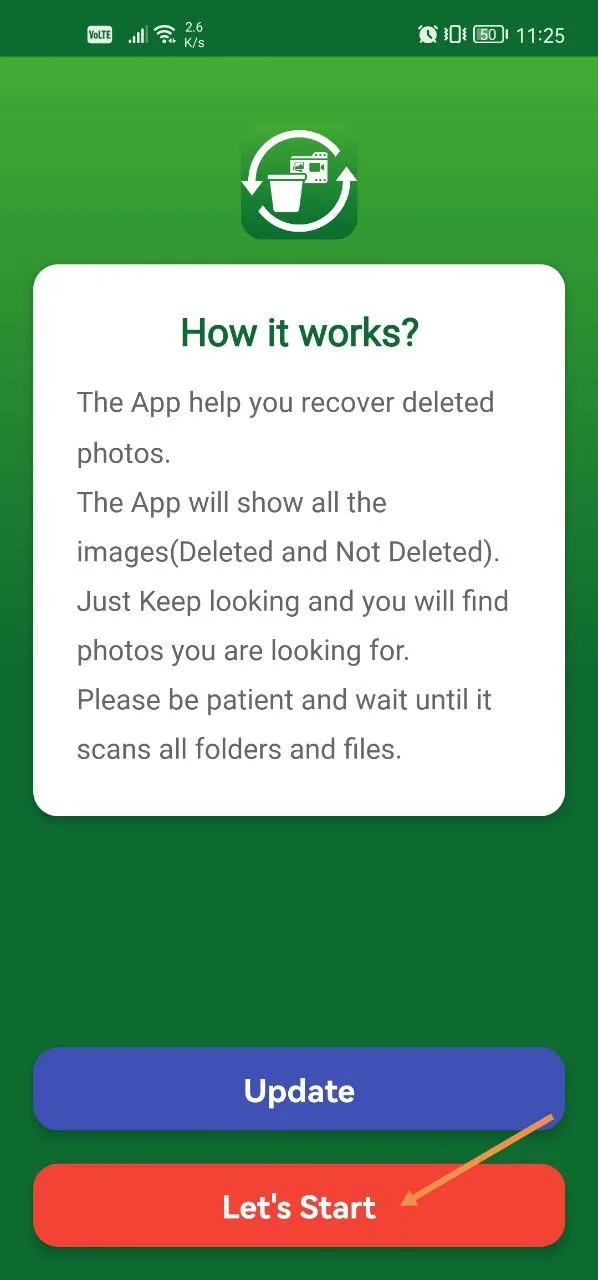
- Open the Photo and Video Recovery app.
- Tap Photo Recovery.
- Find your deleted photos on the page that appears.
If the photo you need isn't listed
If the photos you're looking for aren't in the list, you can buy Photo and Video Recovery Pro, which searches deeper.
Was this article helpful?
Thanks for your feedback!
Sorry about that. Our team can help you directly.
Contact support